Up to 300% faster than LiteSpeed's built-in crawler
Dynamic Load Control
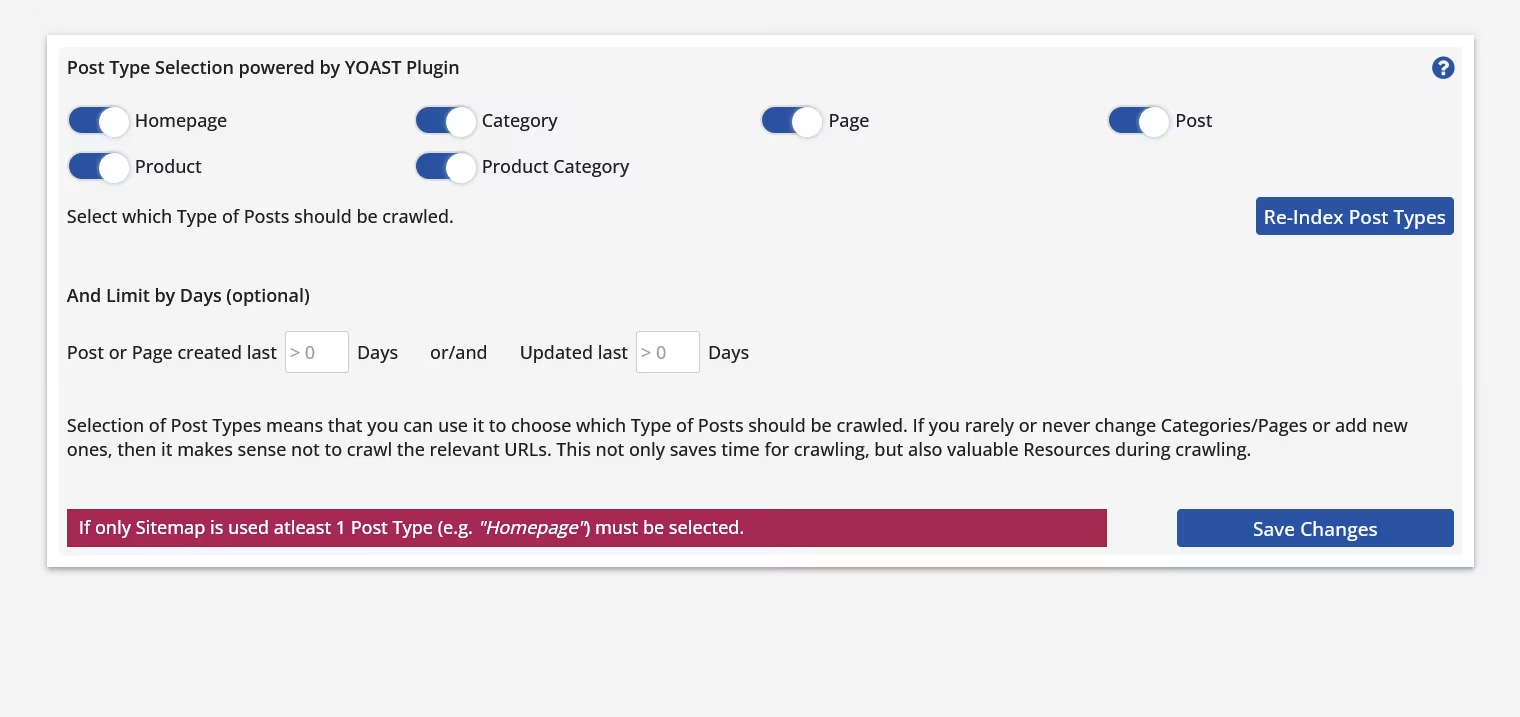
Post Type Selection (no Woo Support)
Auto-Adjust Configuration
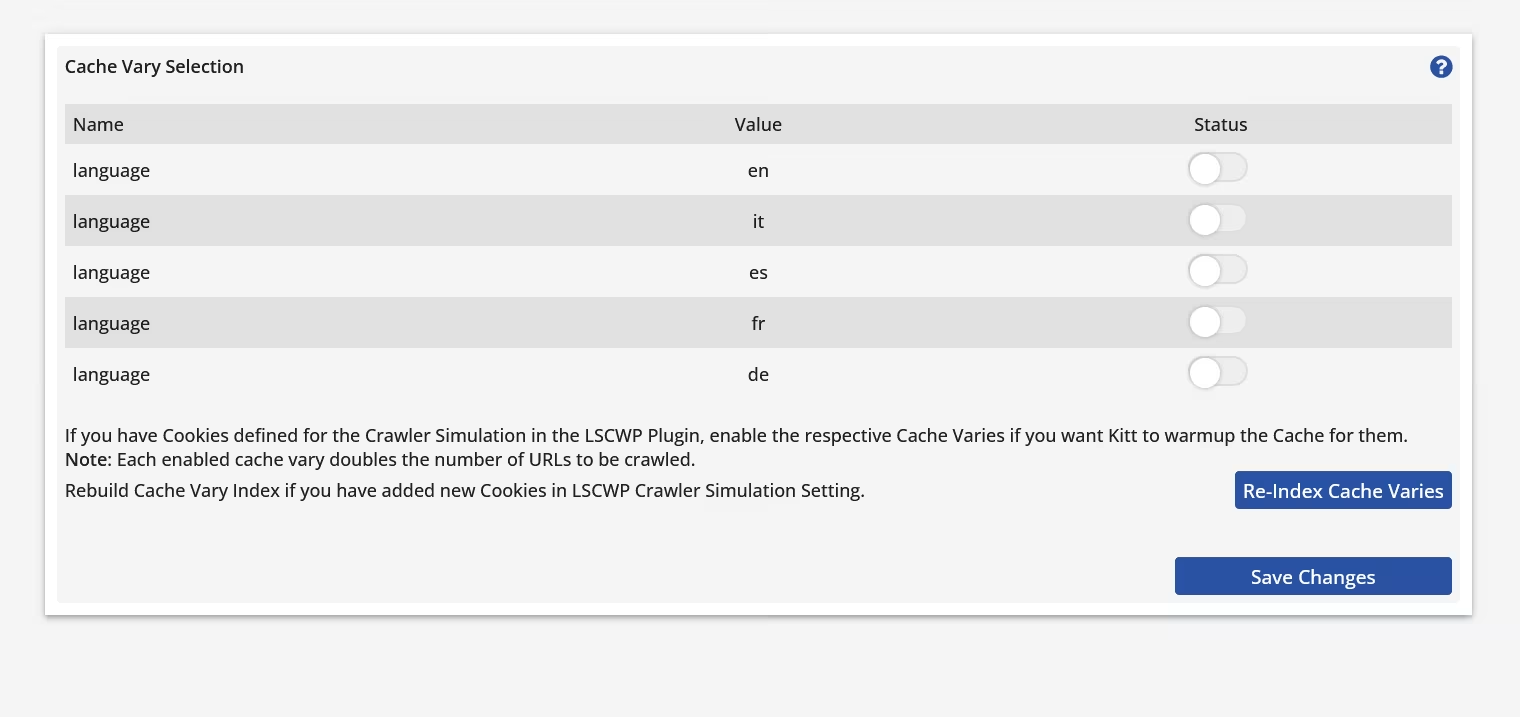
LiteSpeed Cache Vary Support
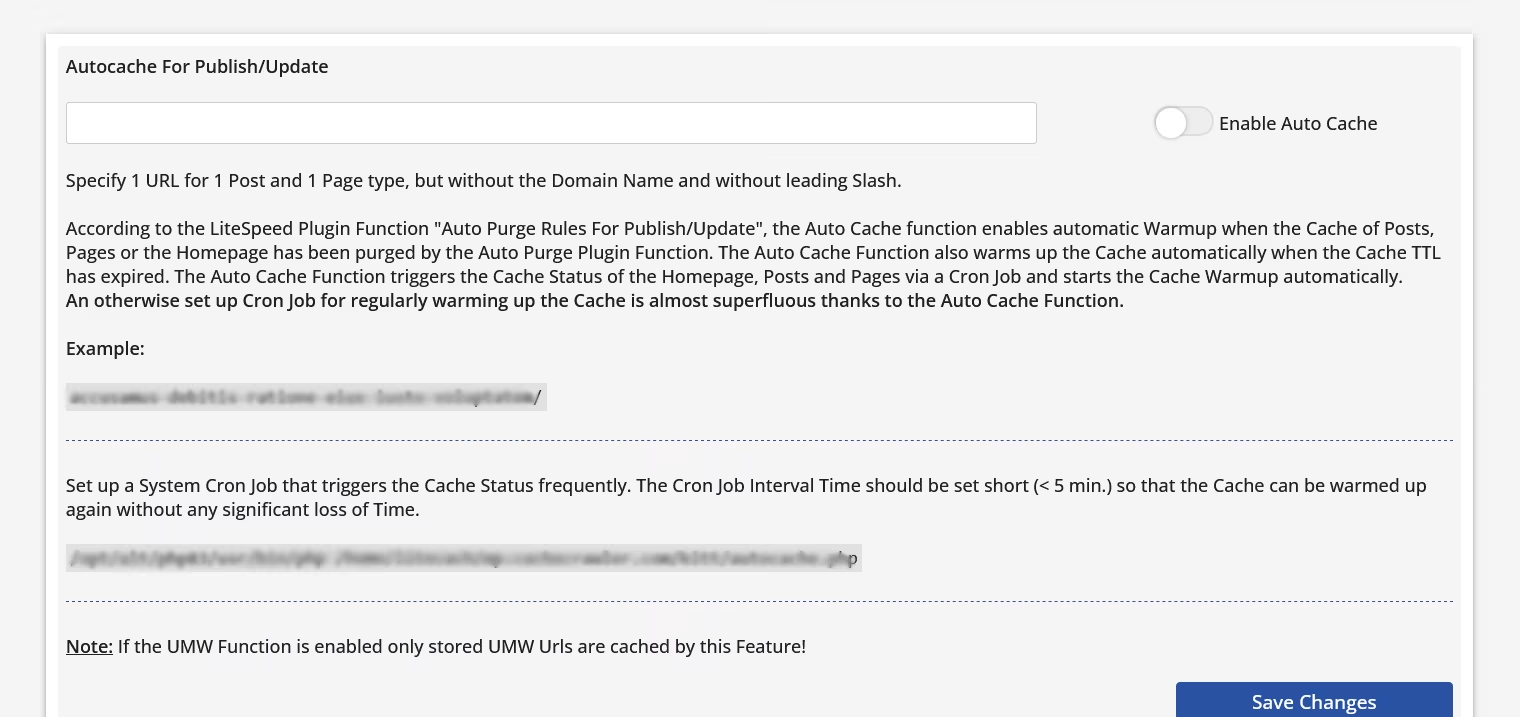
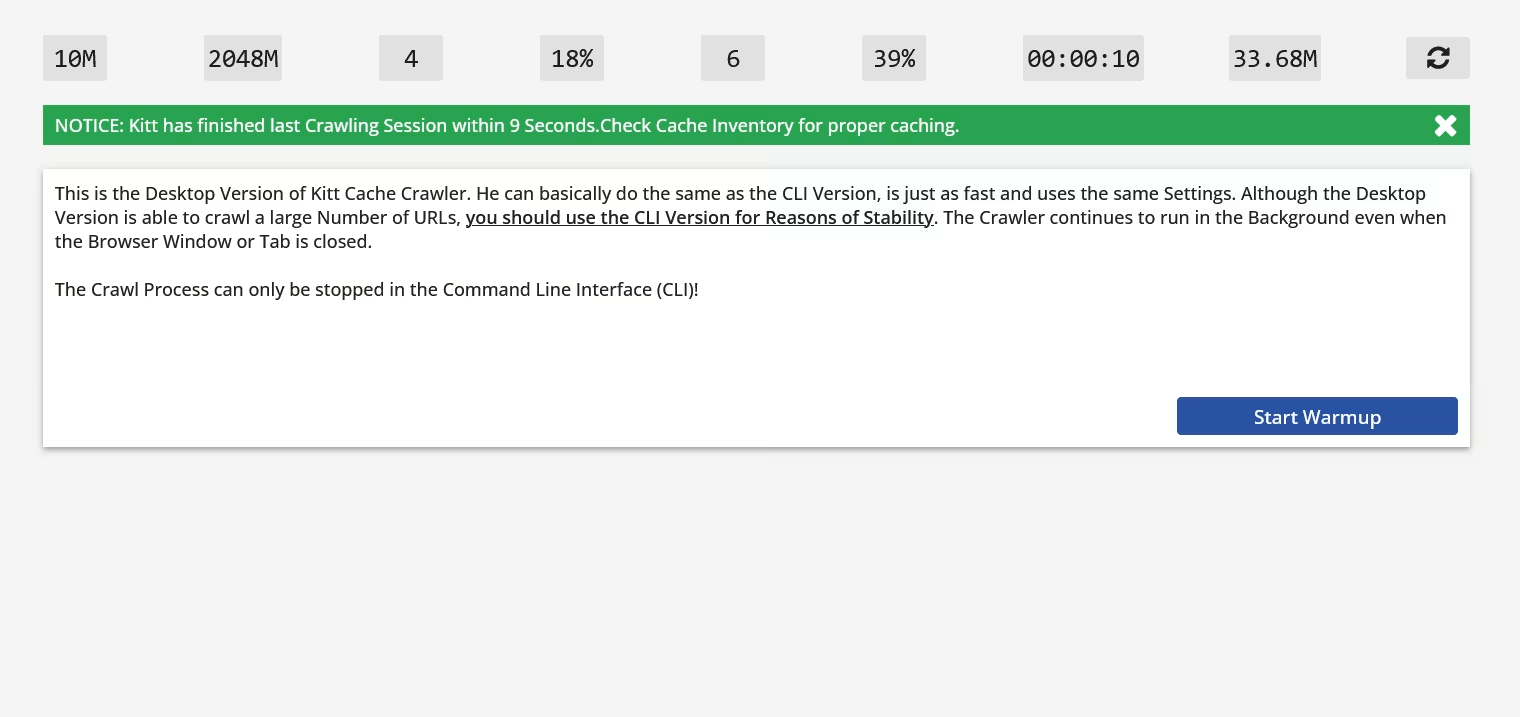
Start warmups via GUI, CLI, or cron job
Tune-up Settings for Power Users
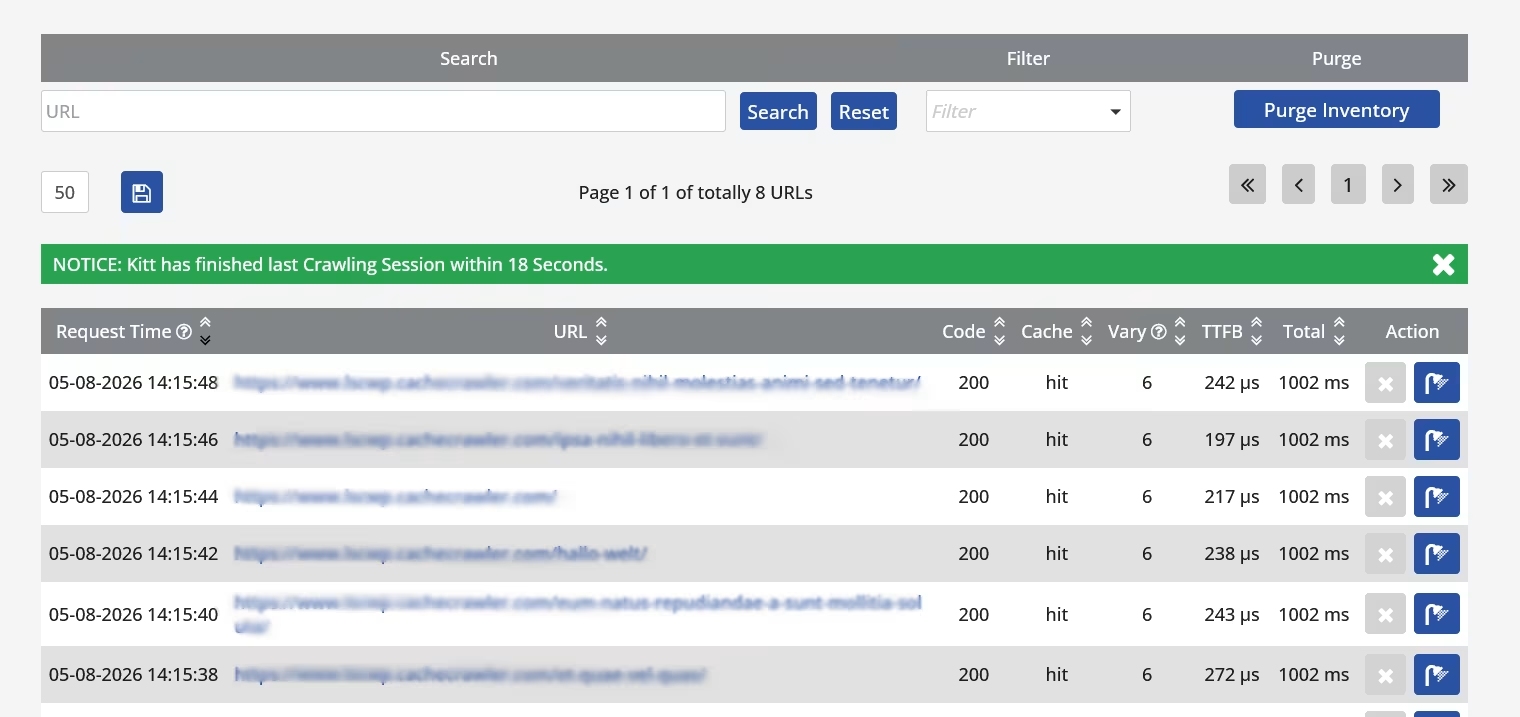
Cache Inventory
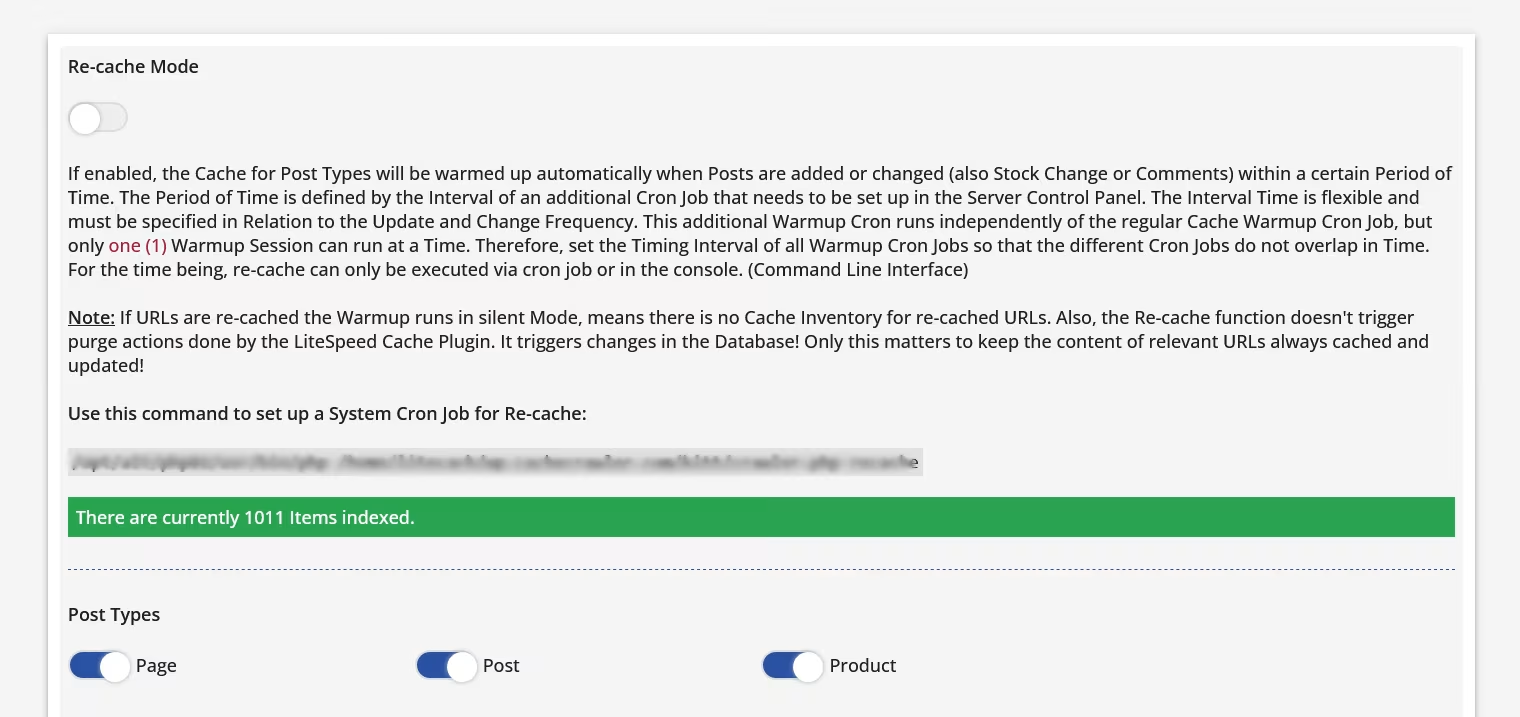
Smart Re-cache
Up to 50% lower server load while crawling
Free Updates and Support
Developed in Germany
IntroWhat is Kitt?Why warmup?Control PanelDemoKitt vs LiteSpeedRequirementsDownloadPricingFAQ
Speed Comes From Cache - From Warm Cache
What is Kitt - The Cache Crawler?
Kitt is a standalone application designed to warm the LiteSpeed cache. It specializes in WordPress and LiteSpeed Cache for WordPress. Kitt runs alongside WordPress but independently of it, meaning that Kitt itself is not a WordPress plugin. While LiteSpeed Cache is commonly referred to as a caching plugin, the actual caching is handled by the LiteSpeed web server. Kitt therefore performs its crawler work independently of WordPress and adjusts its crawl speed dynamically based on current server load.
Kitt is no ordinary cache warmup crawler. LiteSpeed's cache engine supports a wide range of cache variants, allowing separate cached copies to be created for different conditions. With LiteSpeed Cache for WordPress, this includes Guest Mode, WebP/AVIF images, mobile caching, languages, cookies, and other vary conditions. Kitt automatically detects these requirements and adapts its crawl behavior to the LiteSpeed Cache configuration.
Kitt is a LiteSpeed specialist, built specifically around its caching requirements and proven in real-world use for more than a decade.
Warm the cache first. Optimize the page second.
Most website owners are taught a simple rule: optimize the page and the website gets faster.
Page optimization matters. It can improve rendering, visual stability, interactivity, and the amount of data transferred to the browser. But it does not eliminate the work WordPress has already performed to generate an uncached page.
WordPress Core, themes, plugins, hooks, PHP logic, and database queries have already run before the finished page can be optimized.
Front-end optimization improves the result. Caching avoids generating that result again.
Page optimization can improve:
First Contentful Paint
Time to Interactive
Visual stability
Page optimization cannot improve:
WordPress Core
Themes
Plugins
Hooks
PHP logic
Database queries
Data volume (it does not reduce it)
For WordPress, the biggest server-side performance gain comes from serving a cached page instead of generating it again.
But a cache can only deliver that benefit when the required cache entry already exists.
That is why a fast cache needs to be a warm cache.
Kitt Control Panel
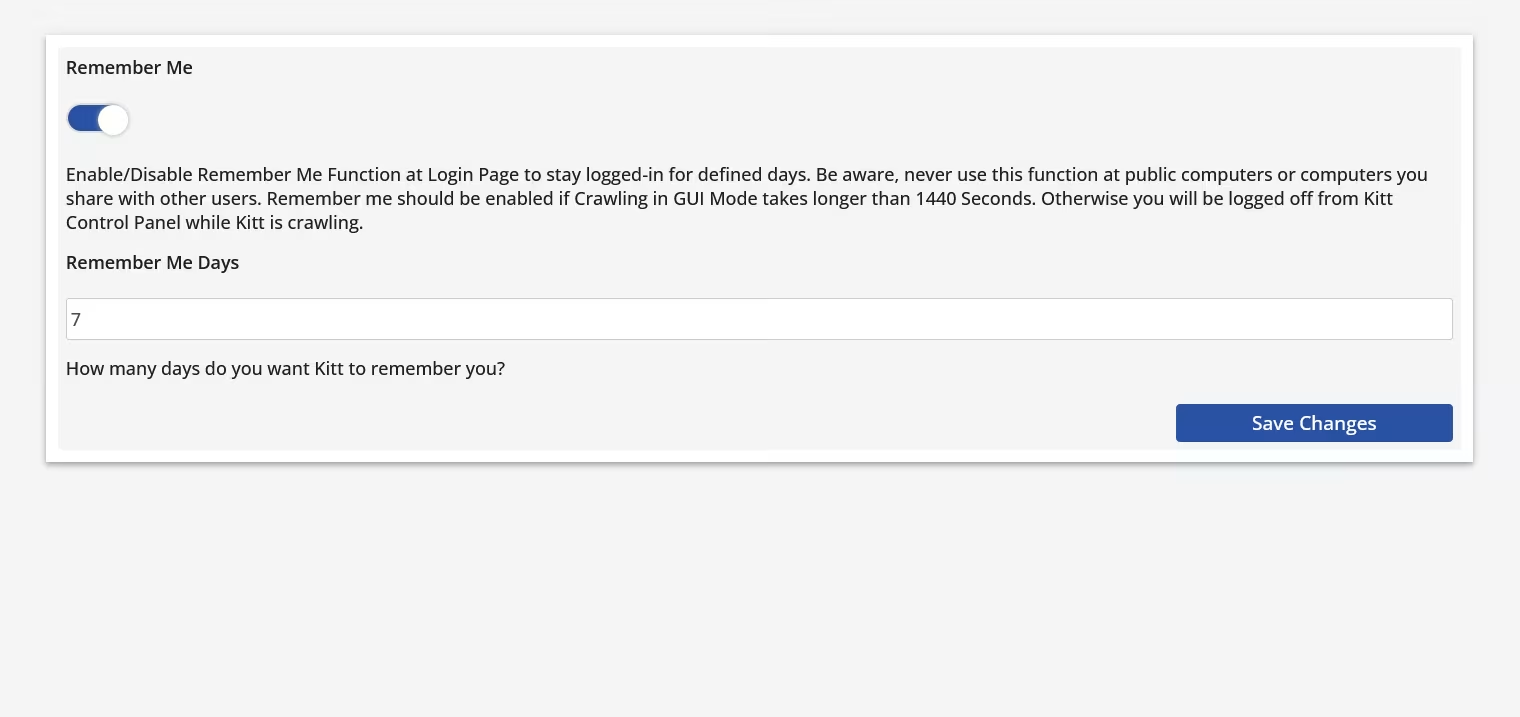
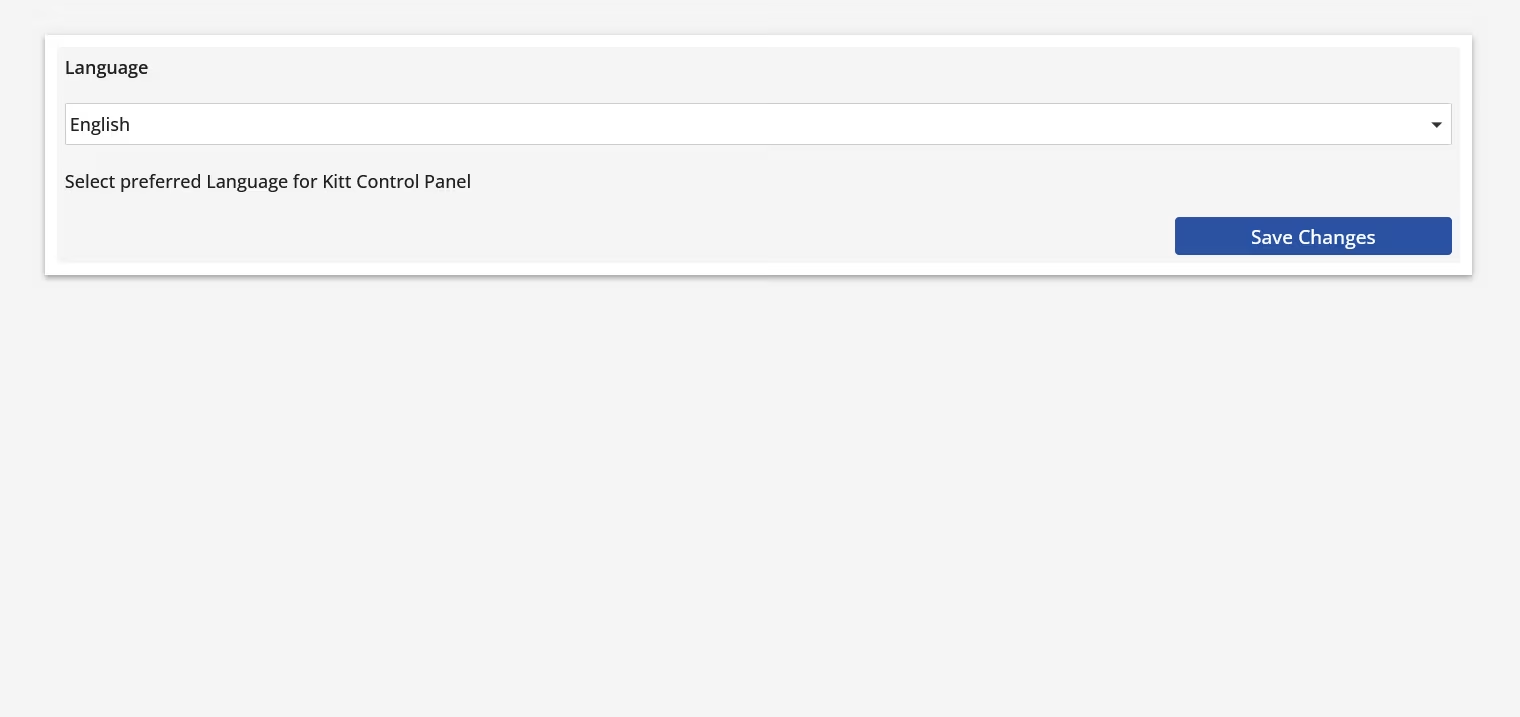
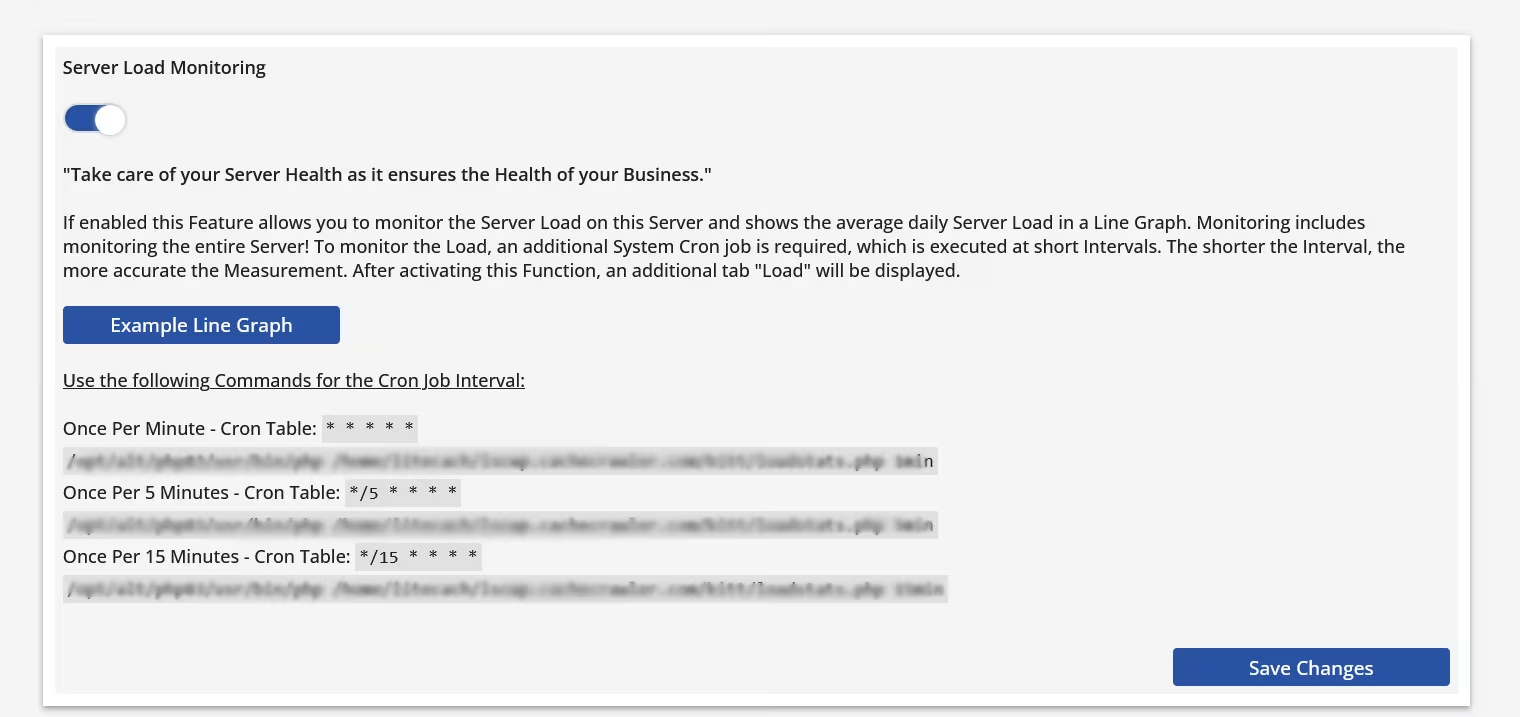
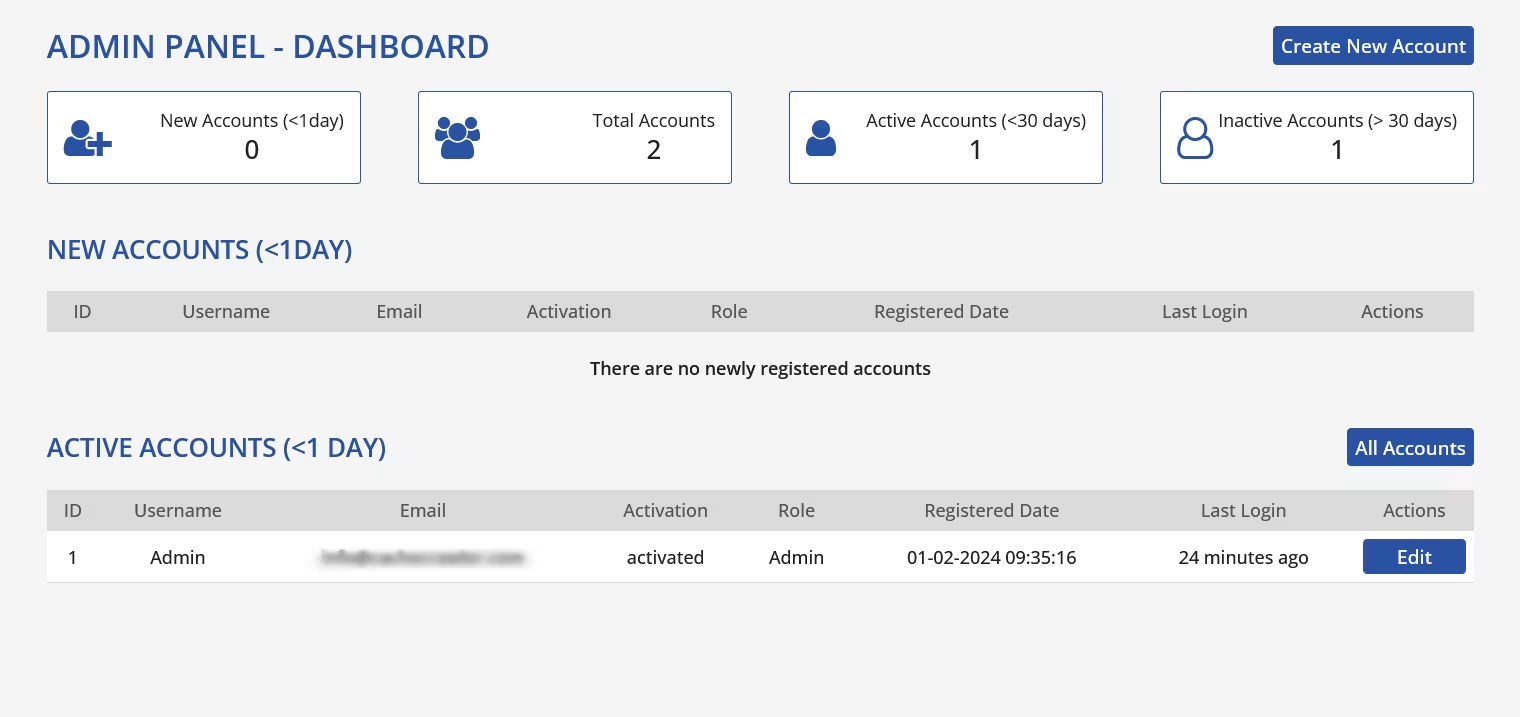
Kitt is a standalone application. Its control panel is installed alongside WordPress but operates independently of it.
Kitt comes preconfigured, so getting started requires only two basic settings. Advanced users still have access to a wide range of rules and tuning options when needed.
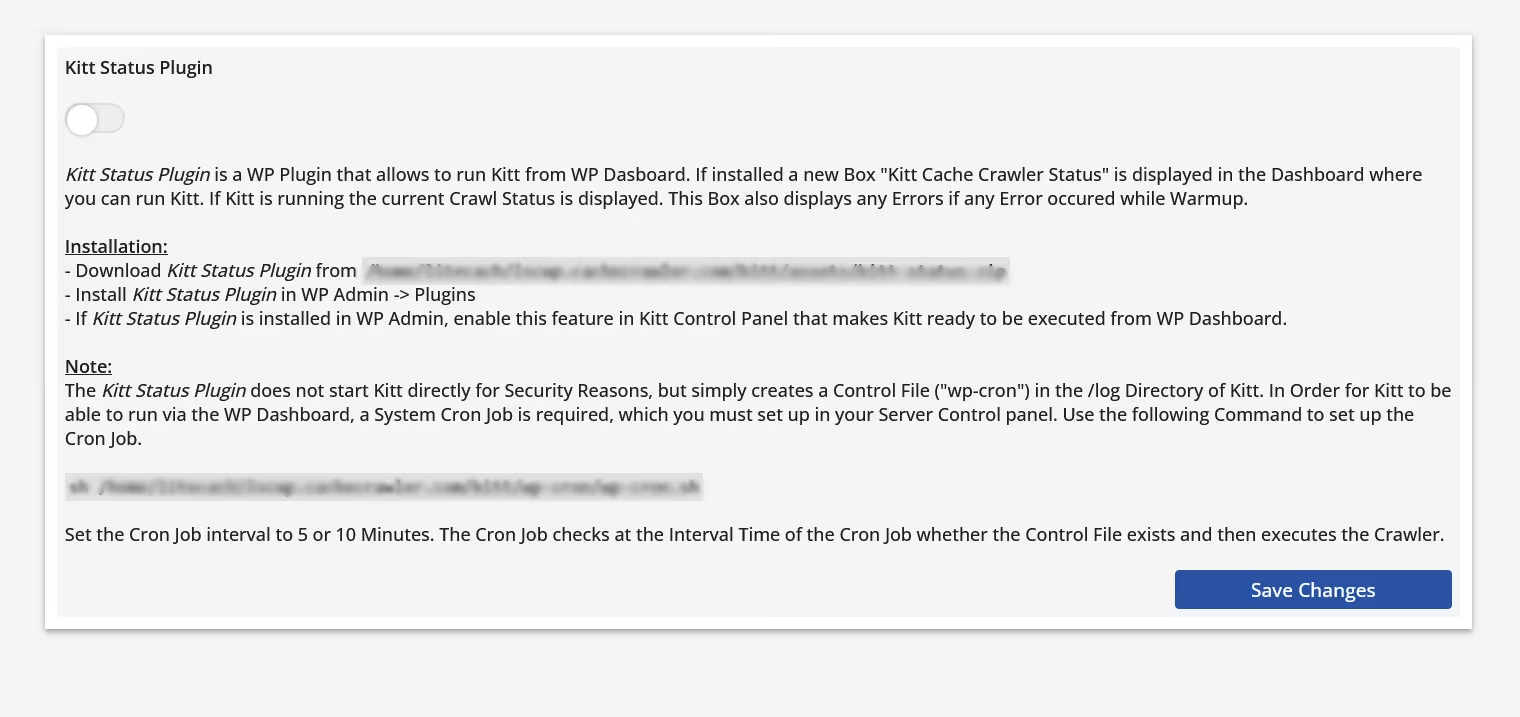
Once configured, Kitt is designed to run with virtually no ongoing administration. Optionally, it can be integrated into the WordPress dashboard, where you can check crawler status, start a crawl manually, and receive error notifications.
Demo
Want to take a closer look at Kitt first? No problem.
The following demo installation allows you to fully explore the Kitt Control Panel - including all relevant settings, rules, and views.
The demo environment is intentionally kept stable and predictable: – no impact on production systems – no risky experiments – the environment is regularly reset
We try to provide all the information you need. If anything is unclear or your question isn't answered here, just ask us.
Kitt vs. LiteSpeed built-in Crawler
LiteSpeed Cache for WordPress includes a built-in crawler designed to warm the cache. For basic cache warming, it does the job.
For more demanding cache-warming scenarios, however, its architecture and available controls are more limited. The built-in crawler operates within the WordPress environment, adding WordPress overhead to the crawl process. Its reliance on WordPress scheduling can also make precise crawl intervals more difficult to maintain.
Kitt was designed specifically to overcome these limitations.
Feature Comparison
Feature
Kitt
LiteSpeed
Crawl Interval
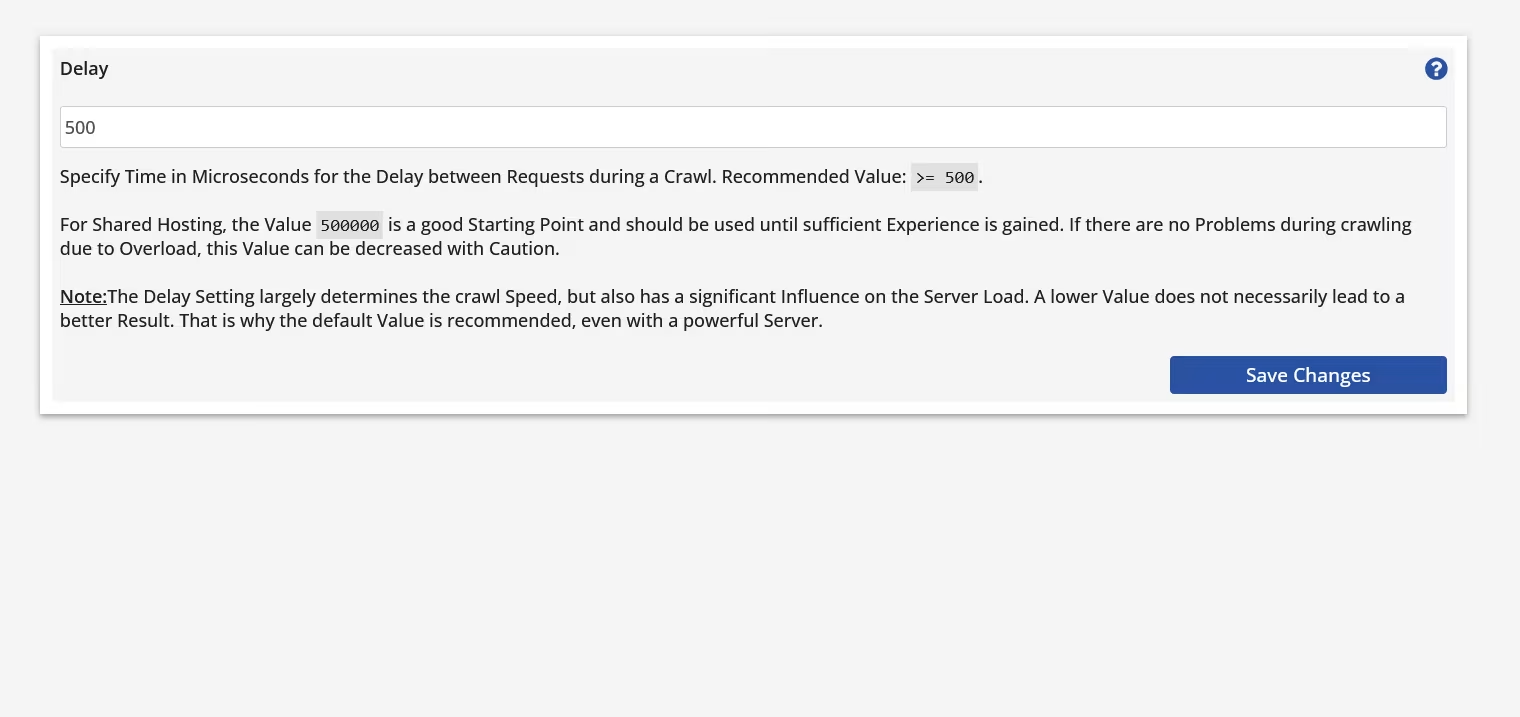
Delay
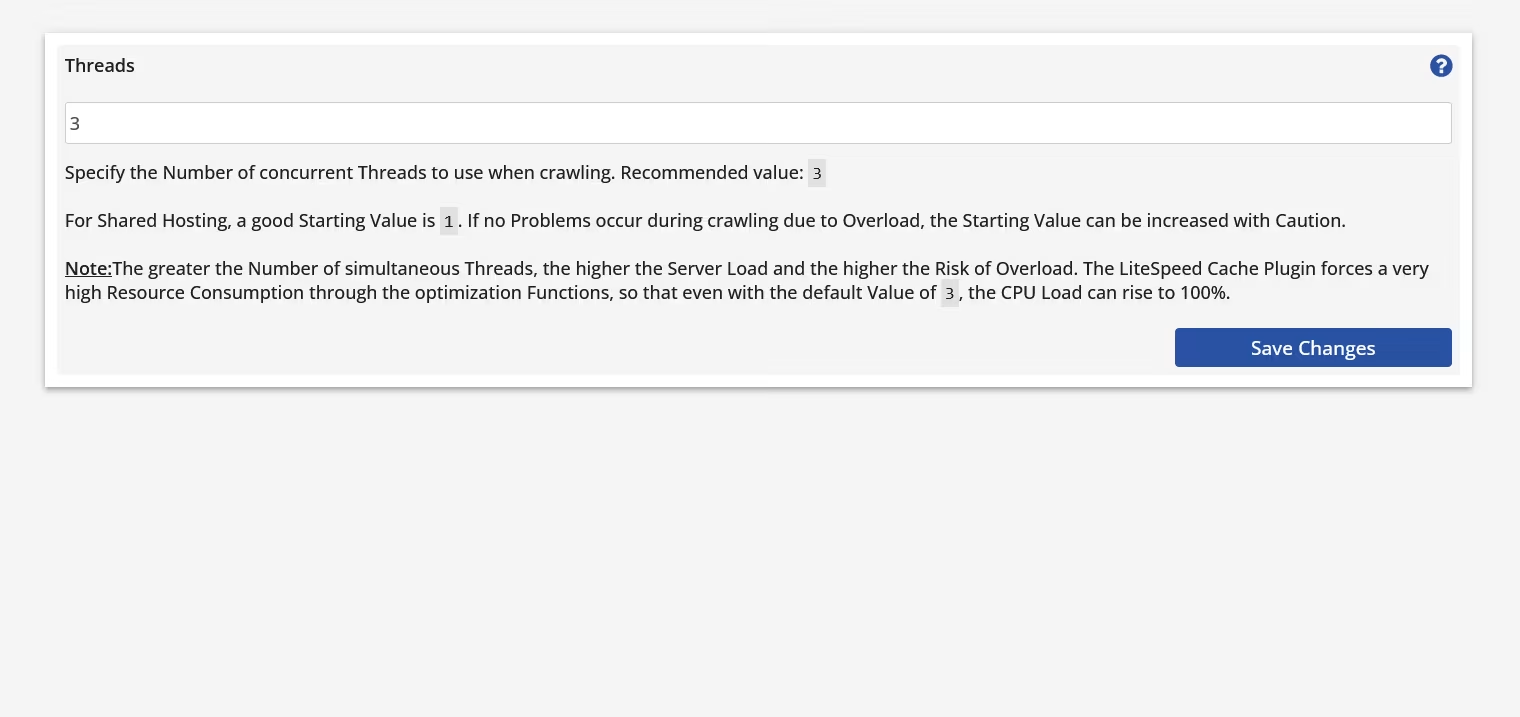
Threads
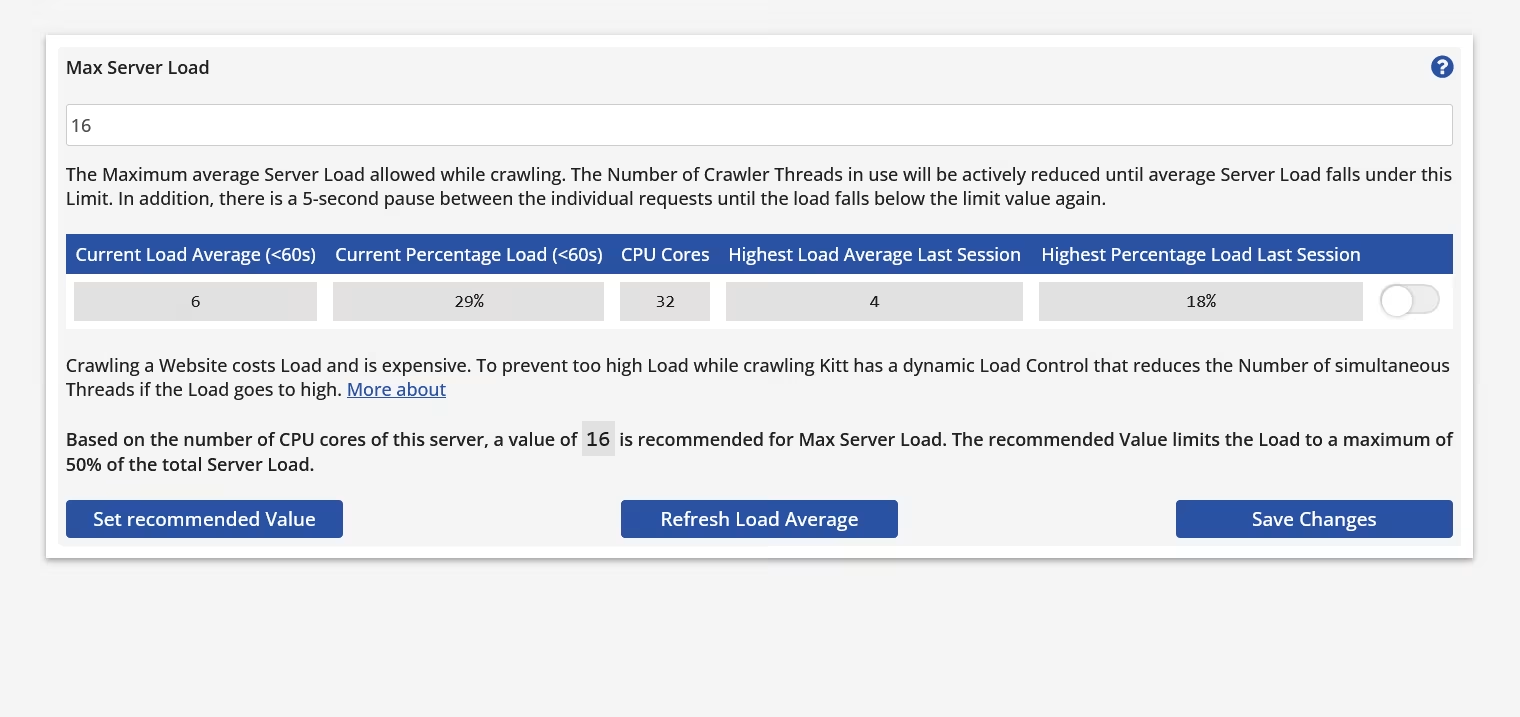
Dynamic Load Control
Server Load Limit
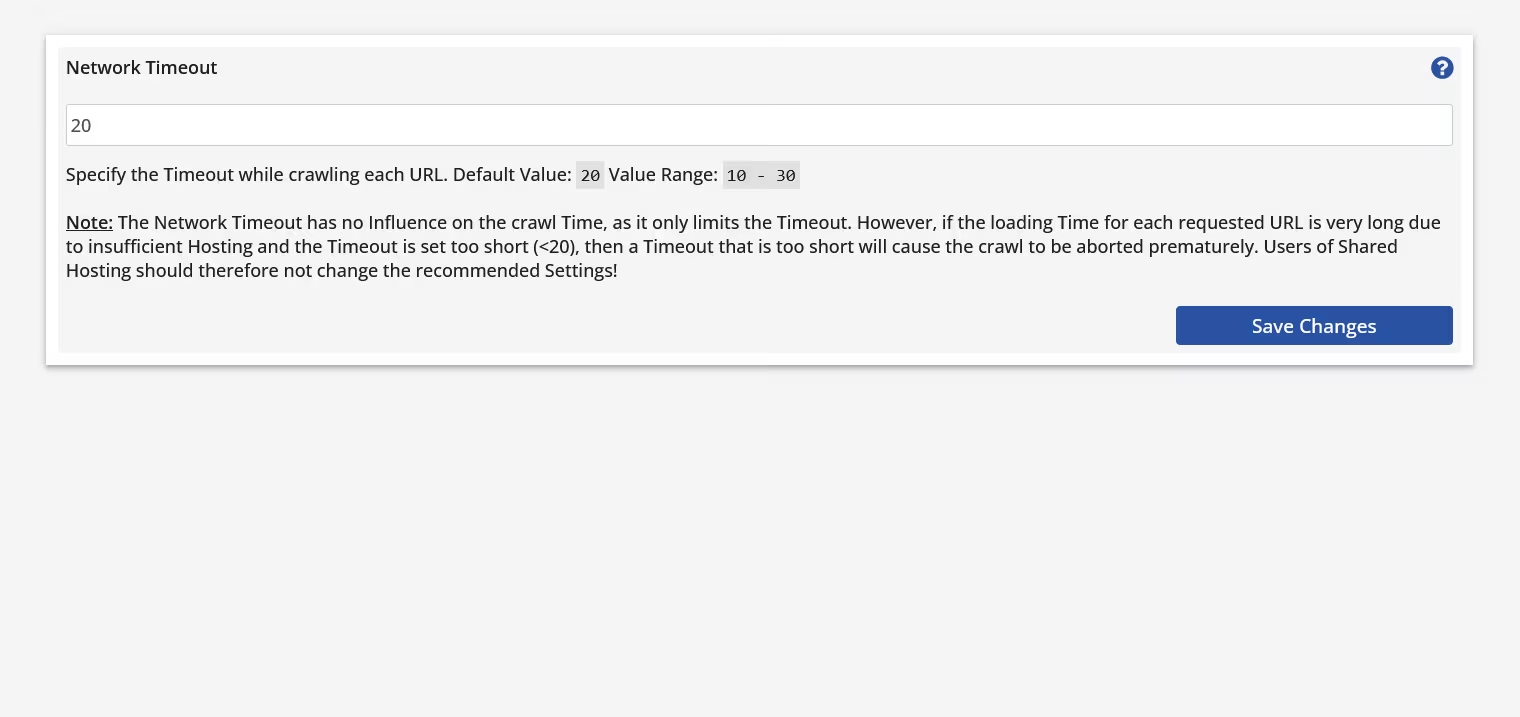
Network Timeout
Max Memory Limit
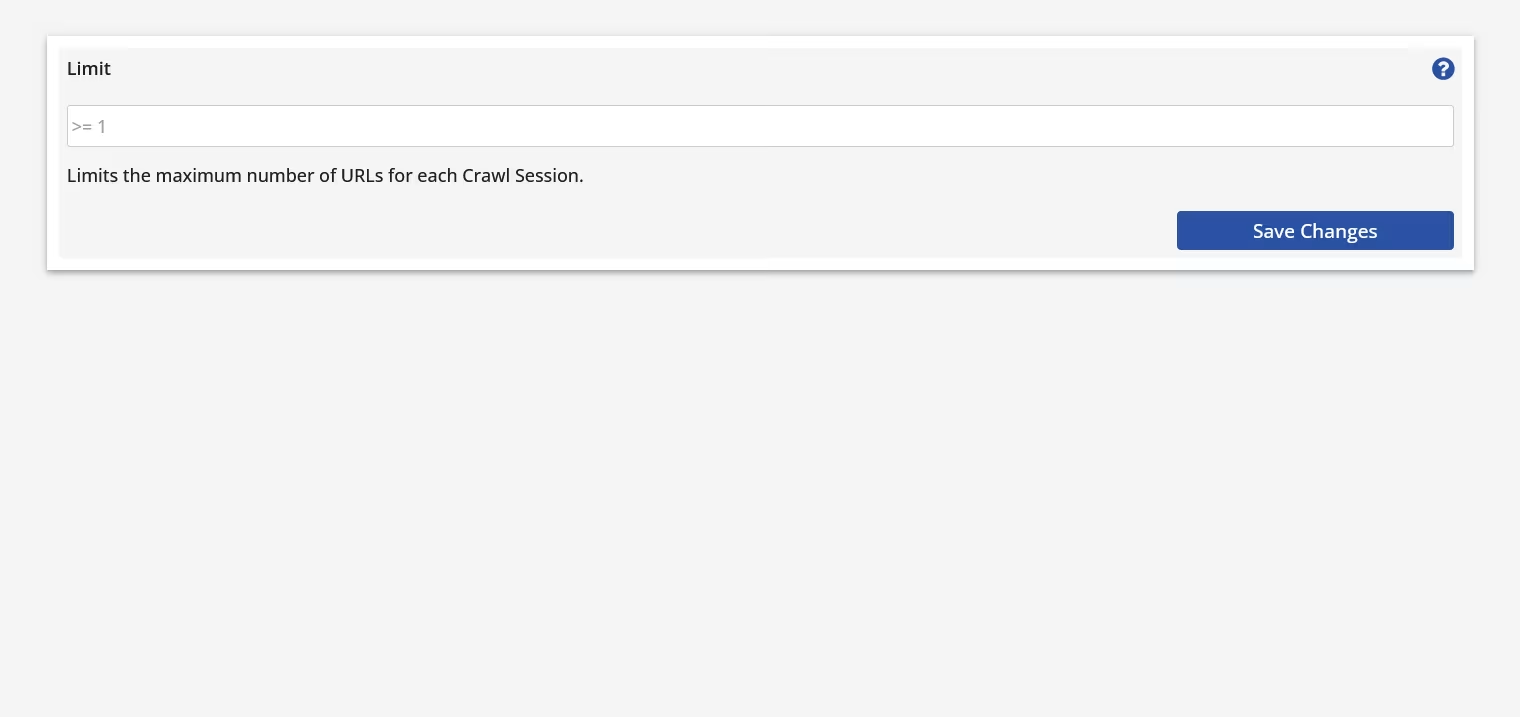
Limit
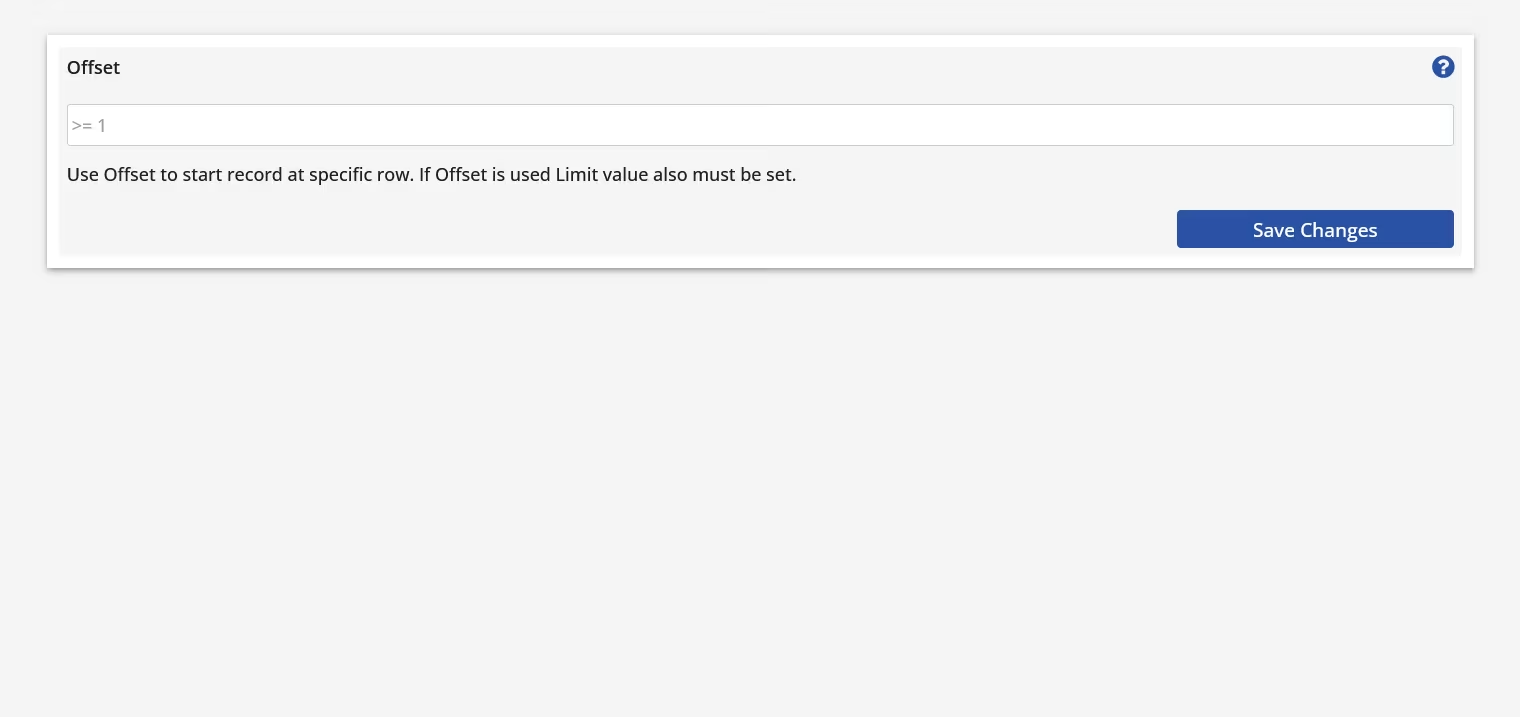
Offset
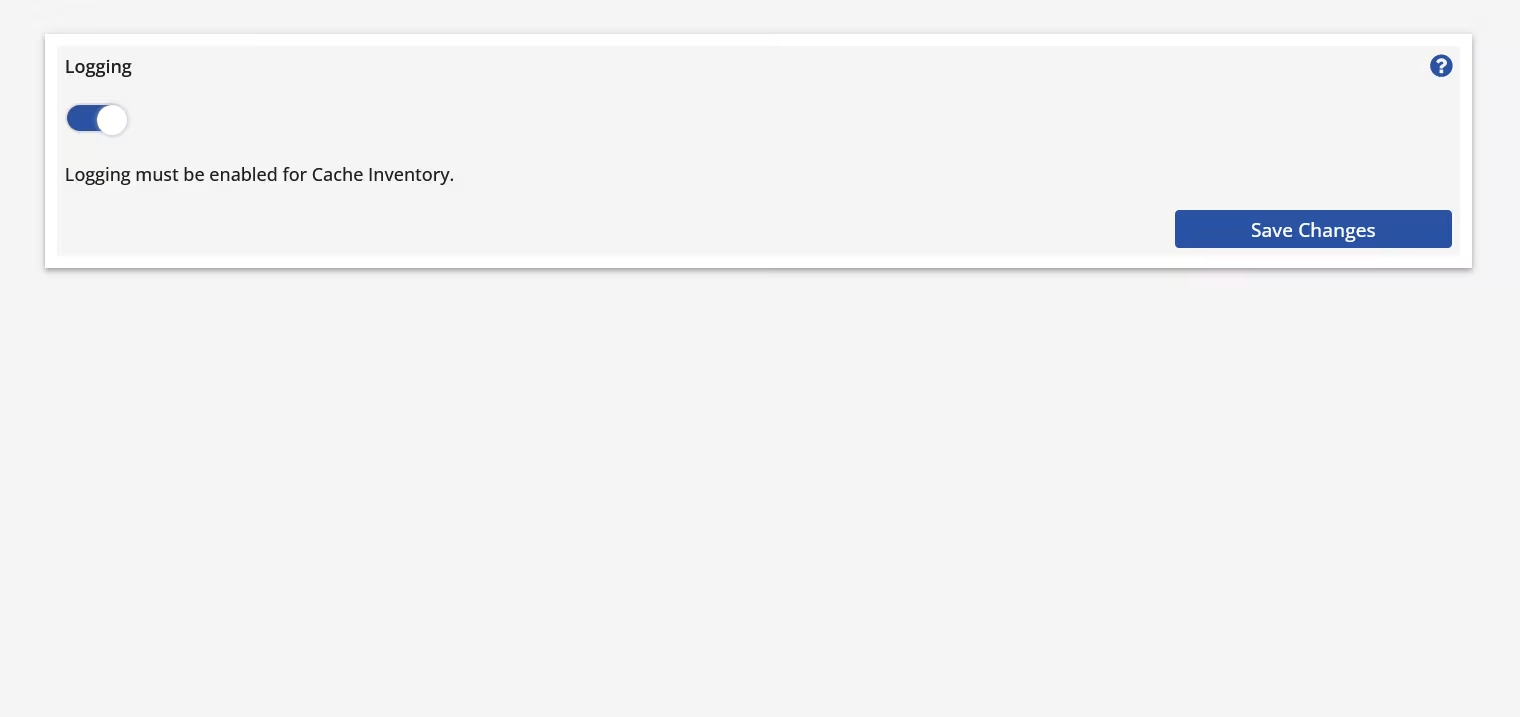
Logging
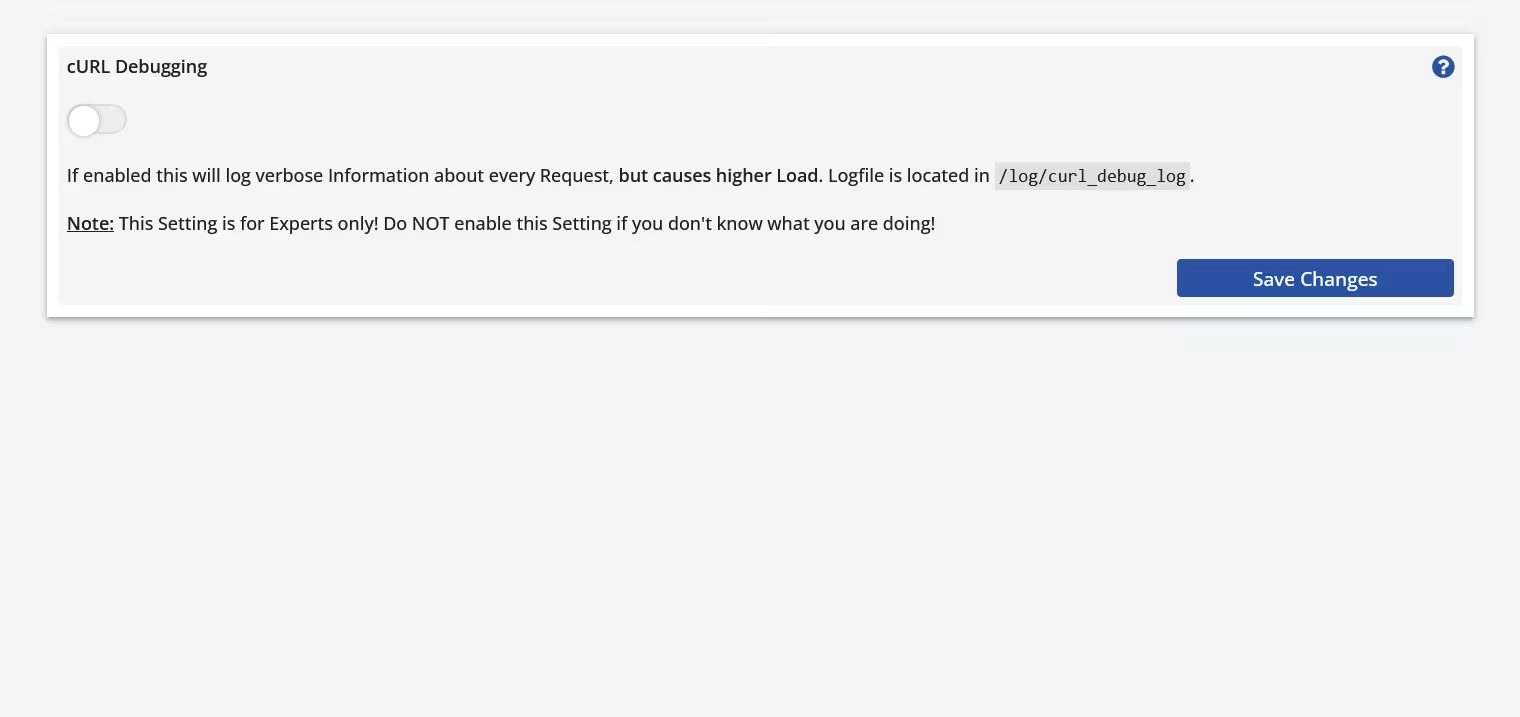
cURL Debugging
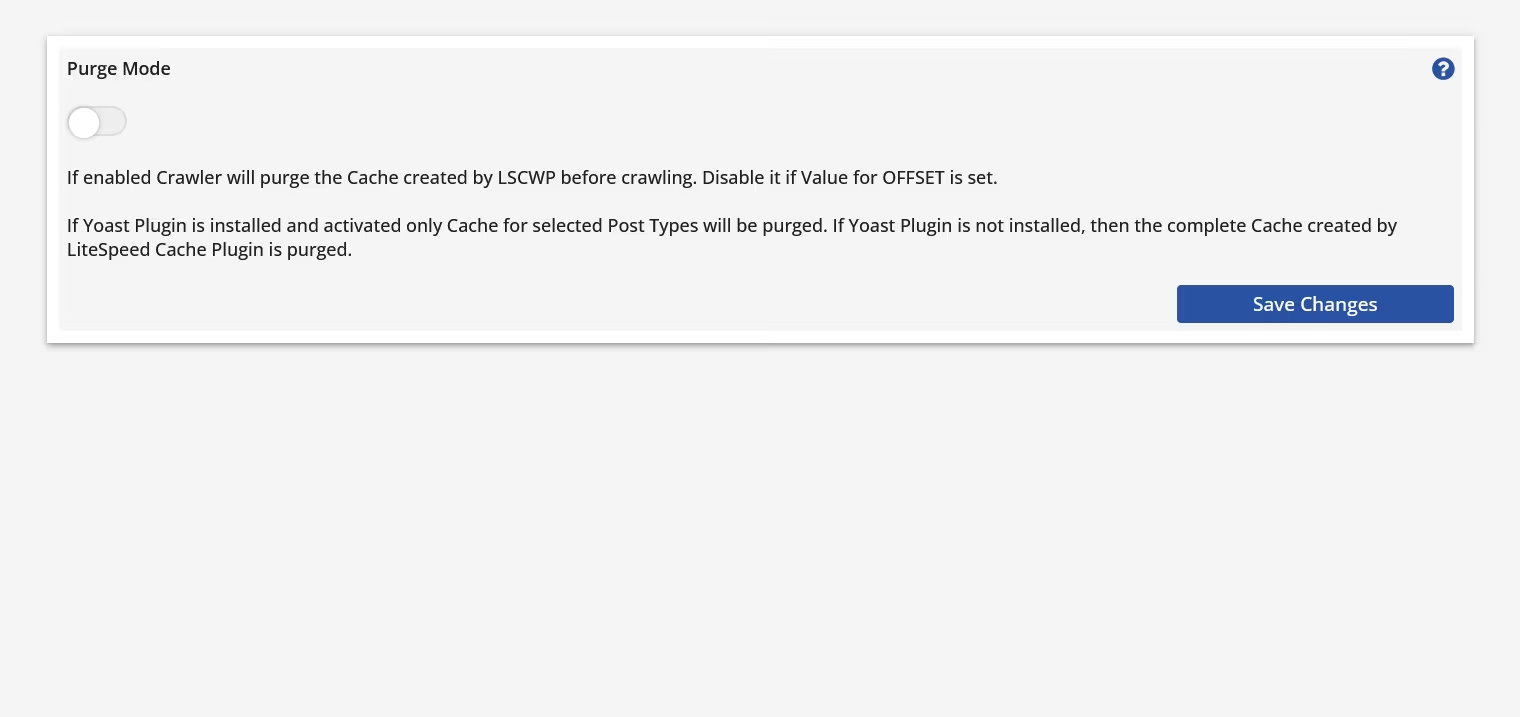
Purge Mode
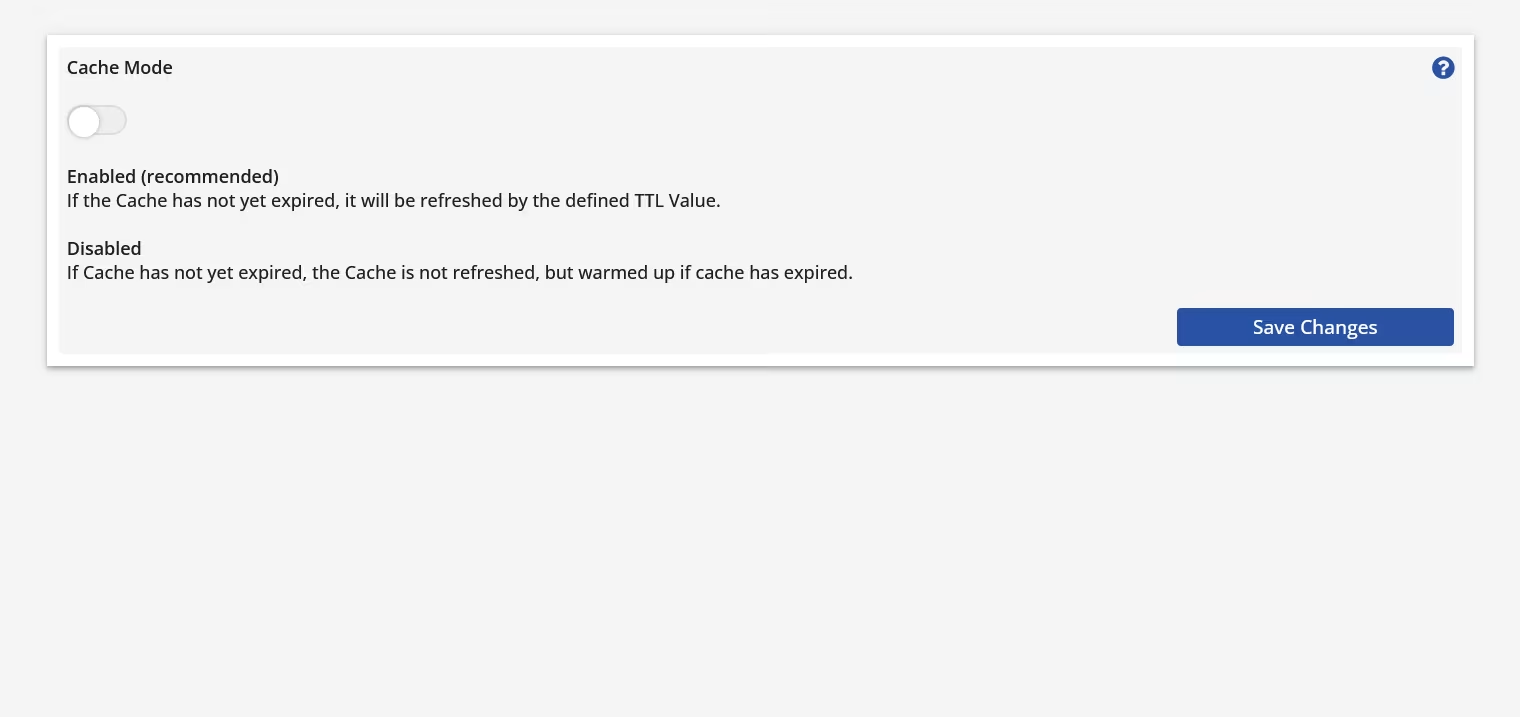
Cache Mode
Re-cache Mode
Autocache
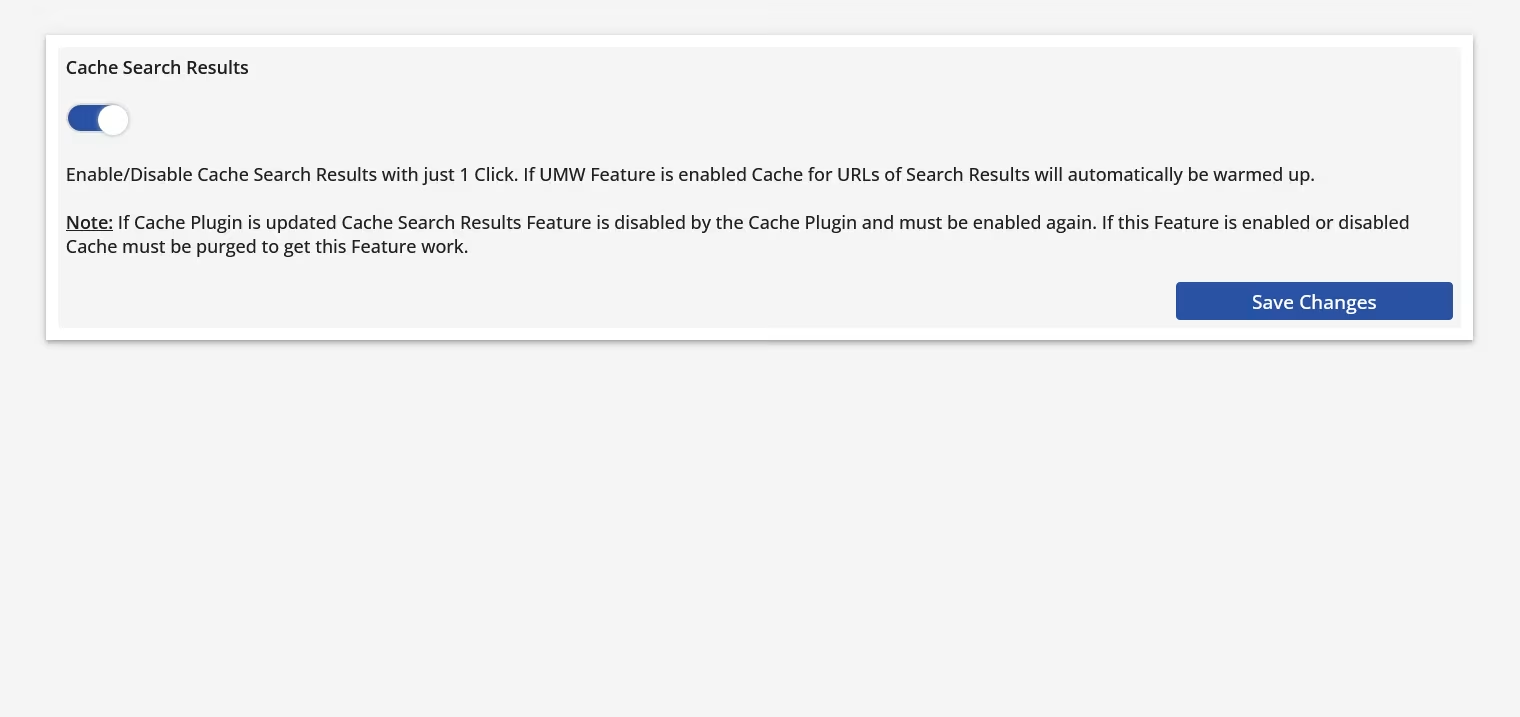
Cache Search Results
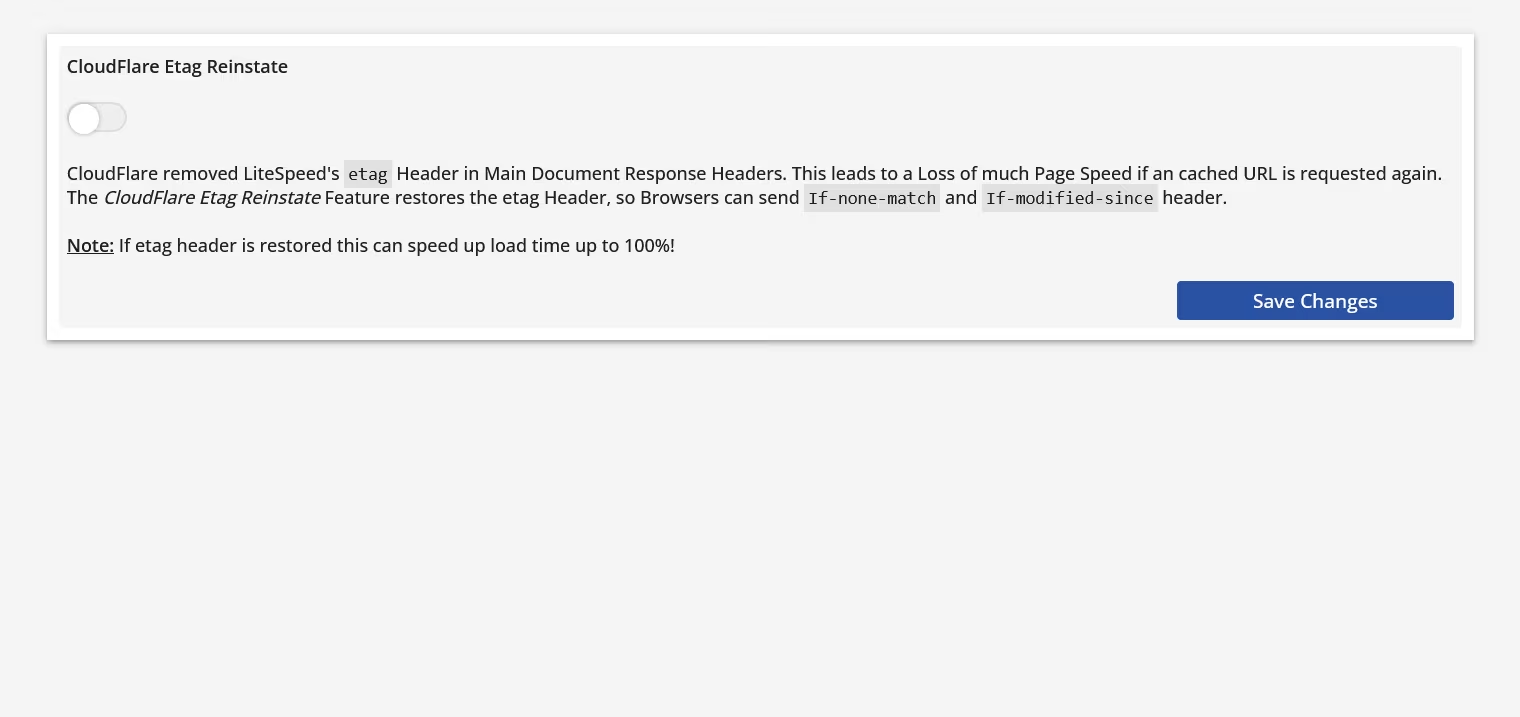
CloudFlare Etag Reinstate
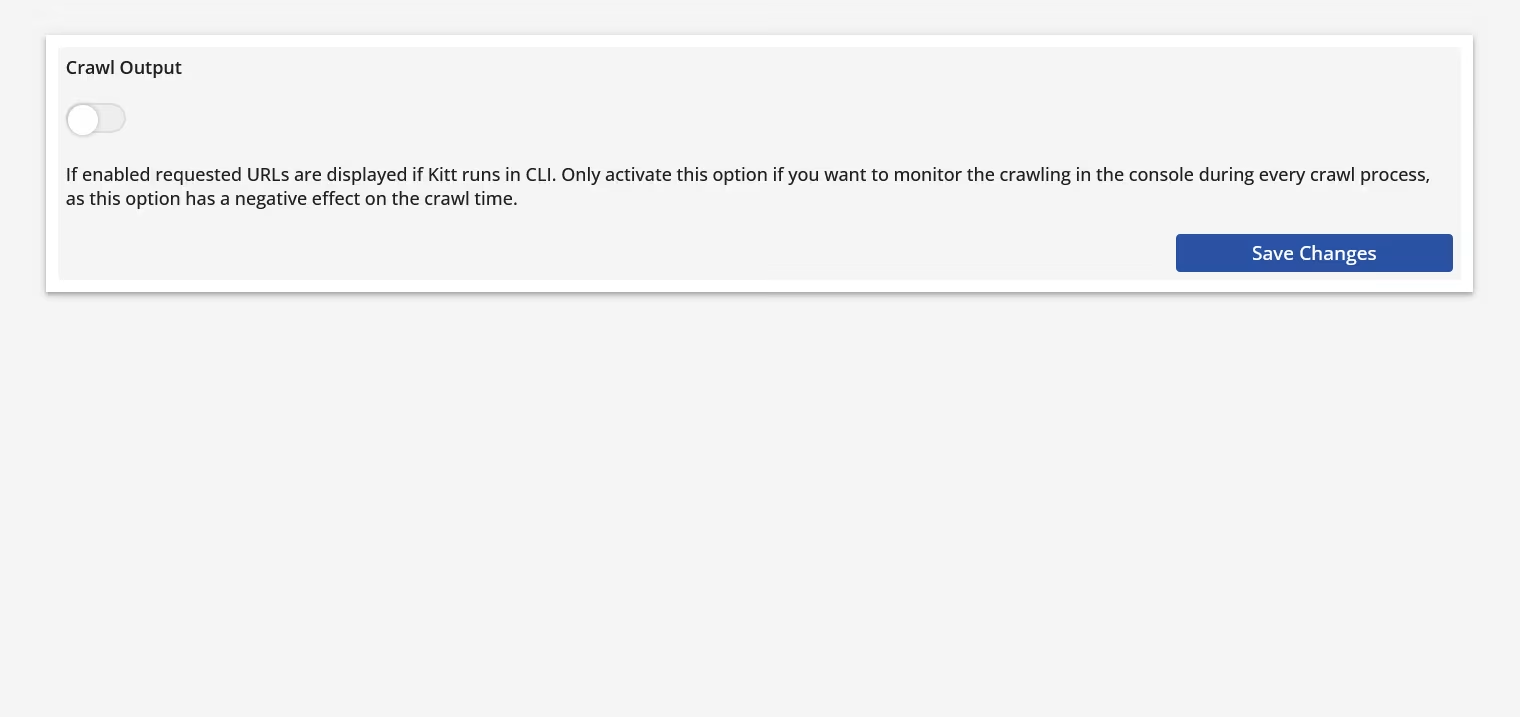
Crawl Output
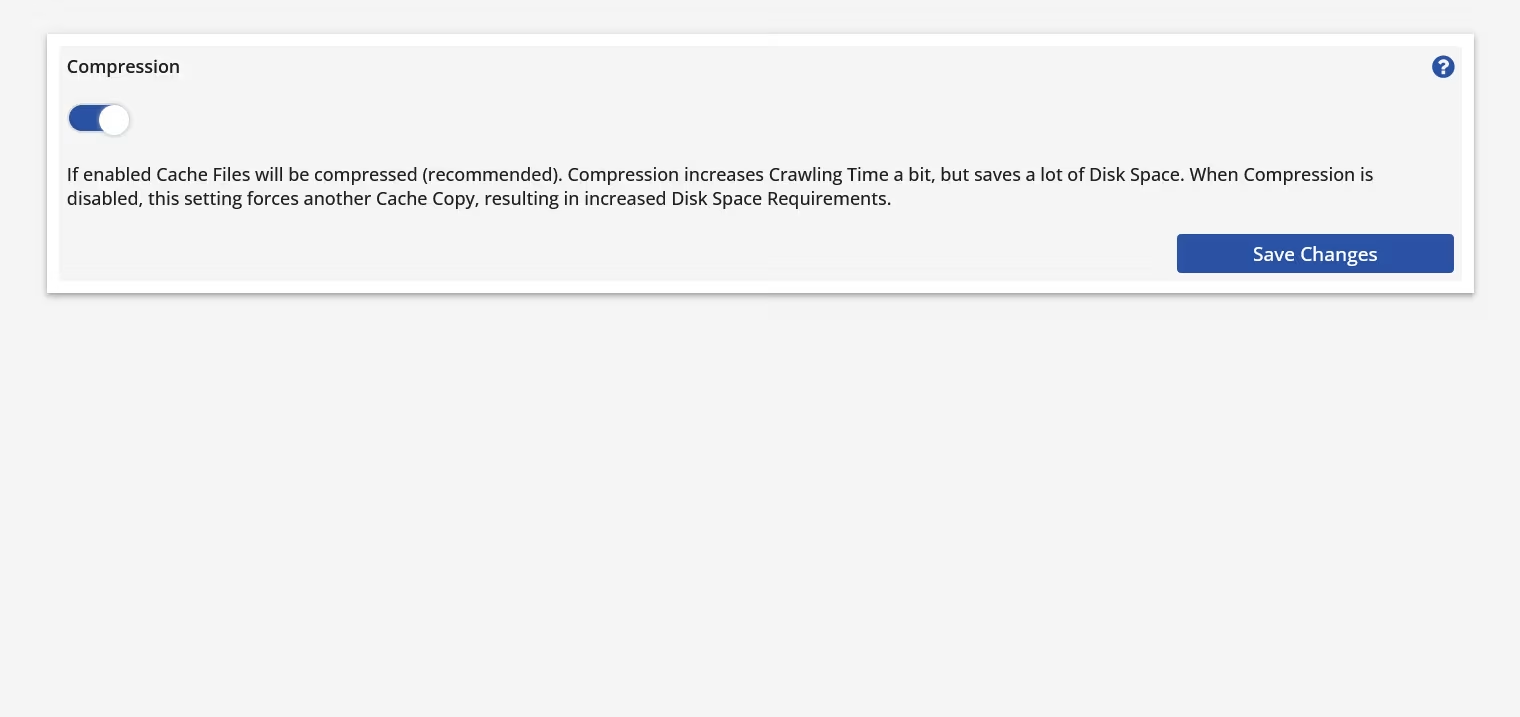
Compression
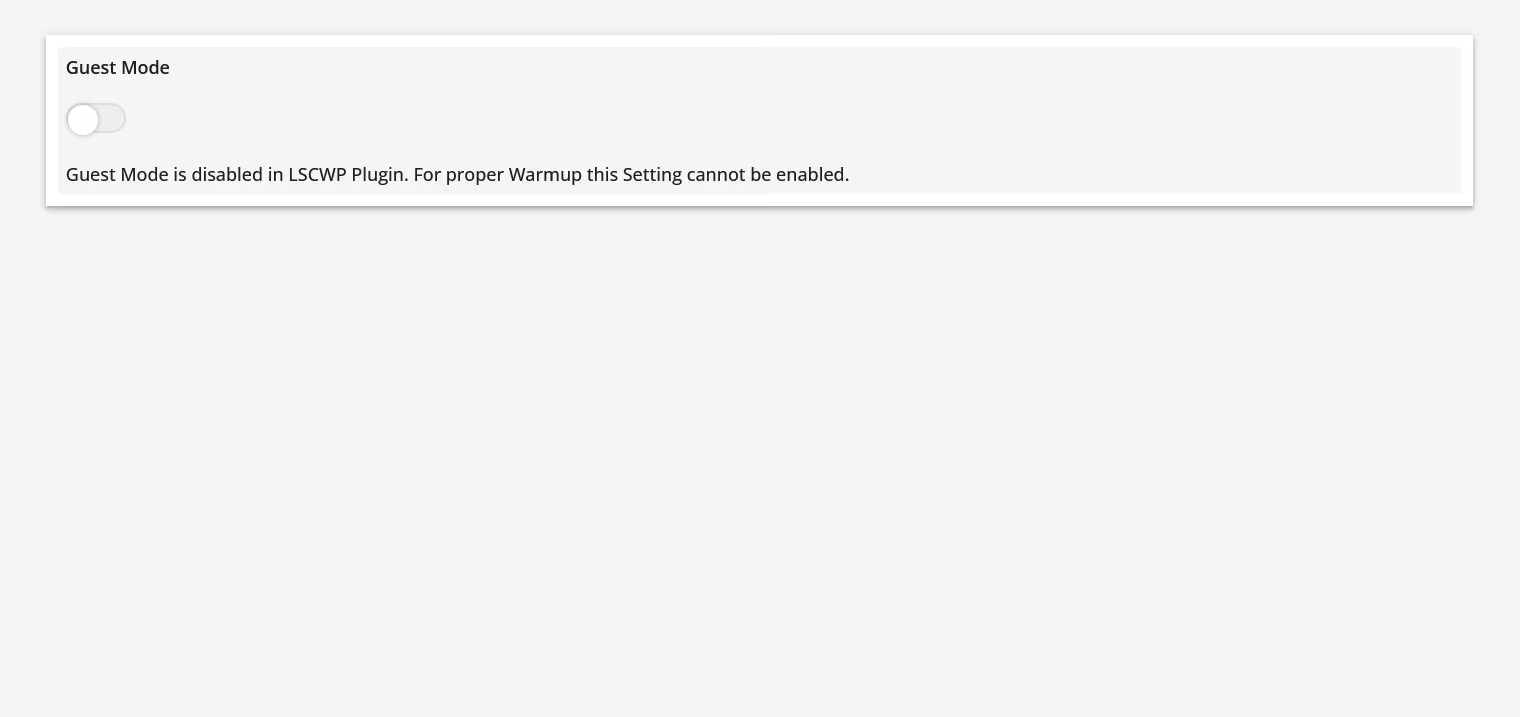
Guest Mode
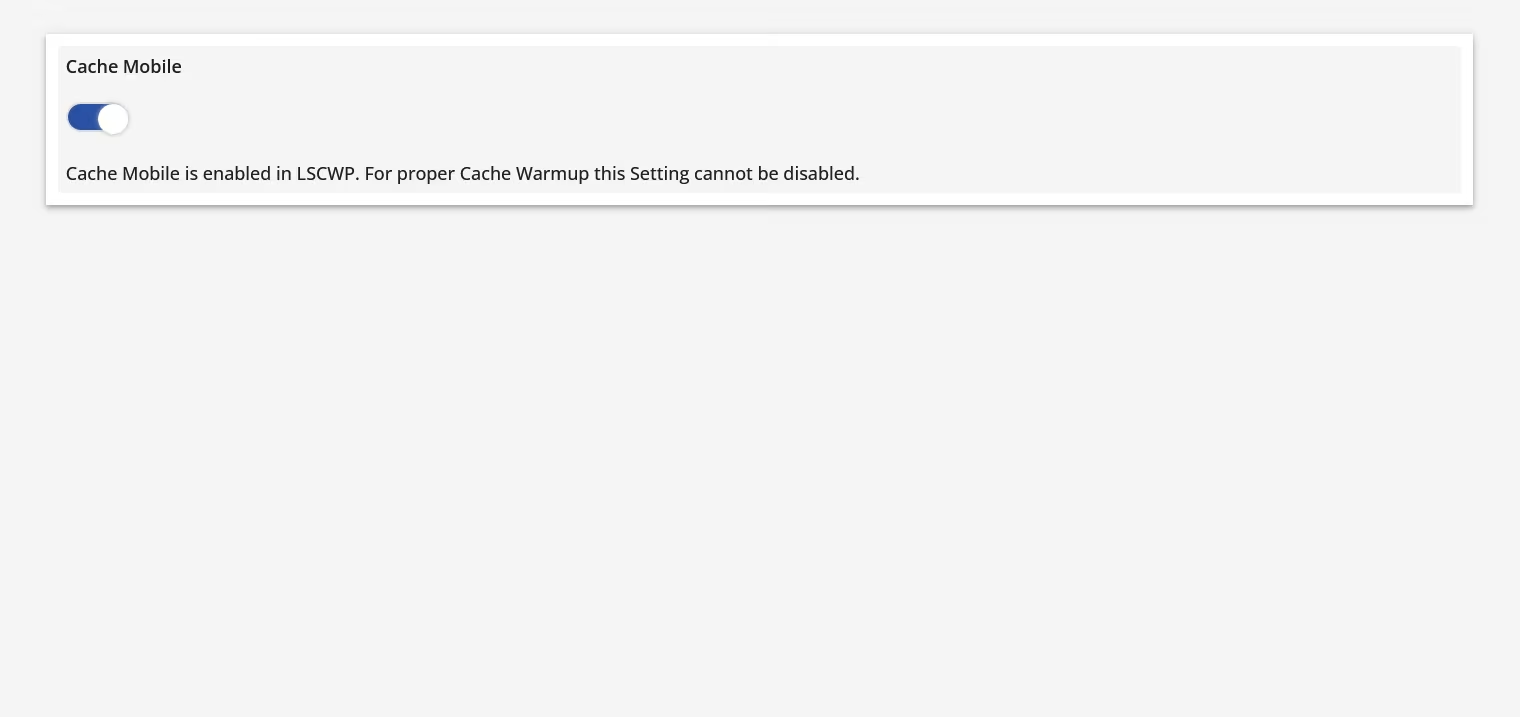
Cache Mobile
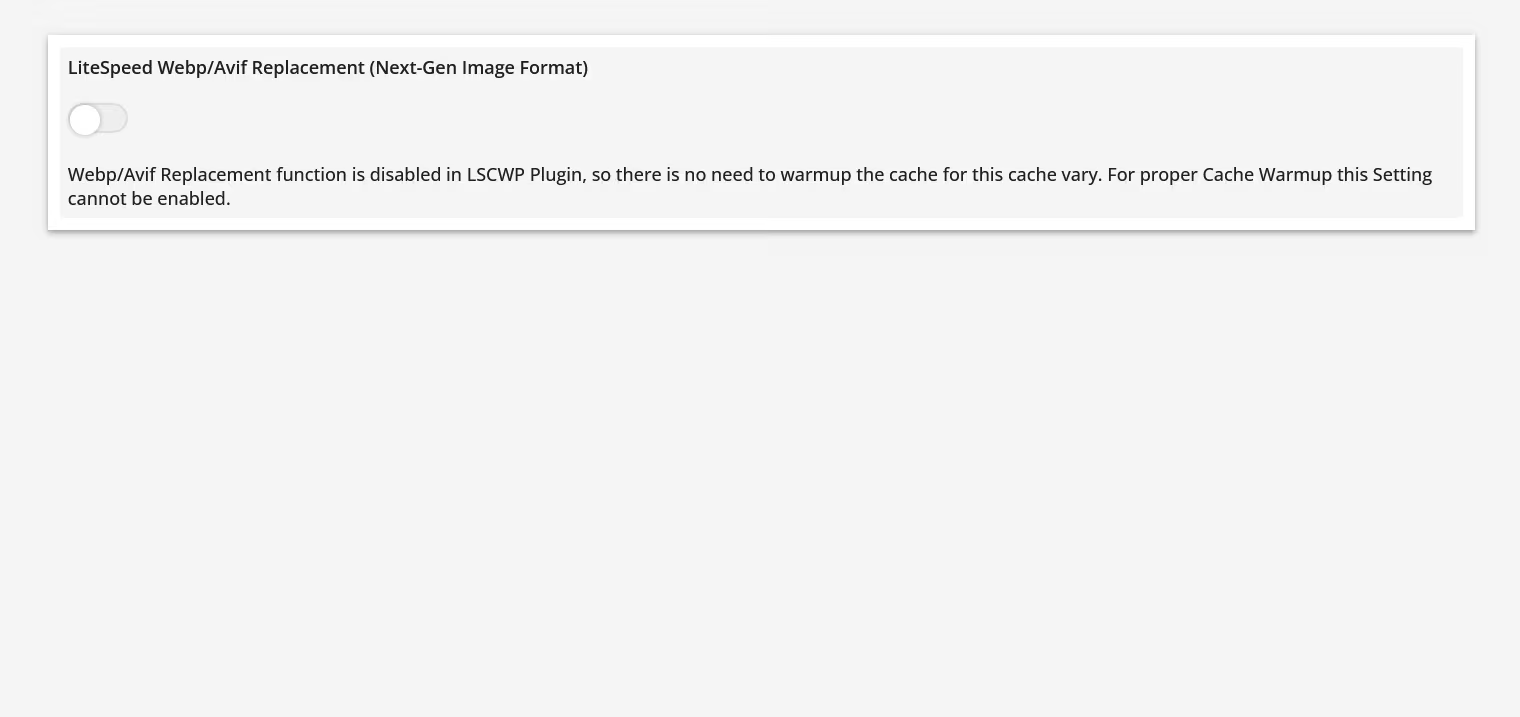
Webp/Avif Replacement
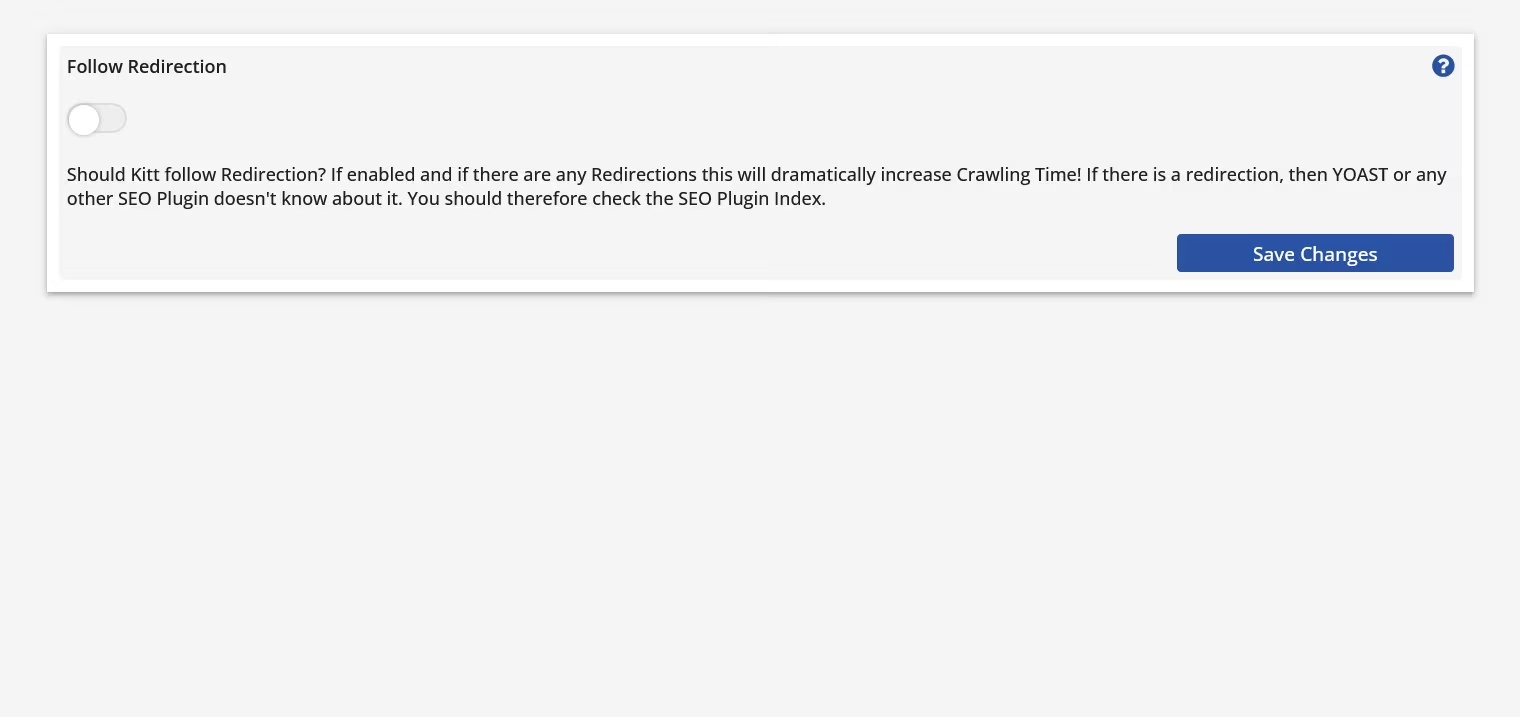
Follow Redirection
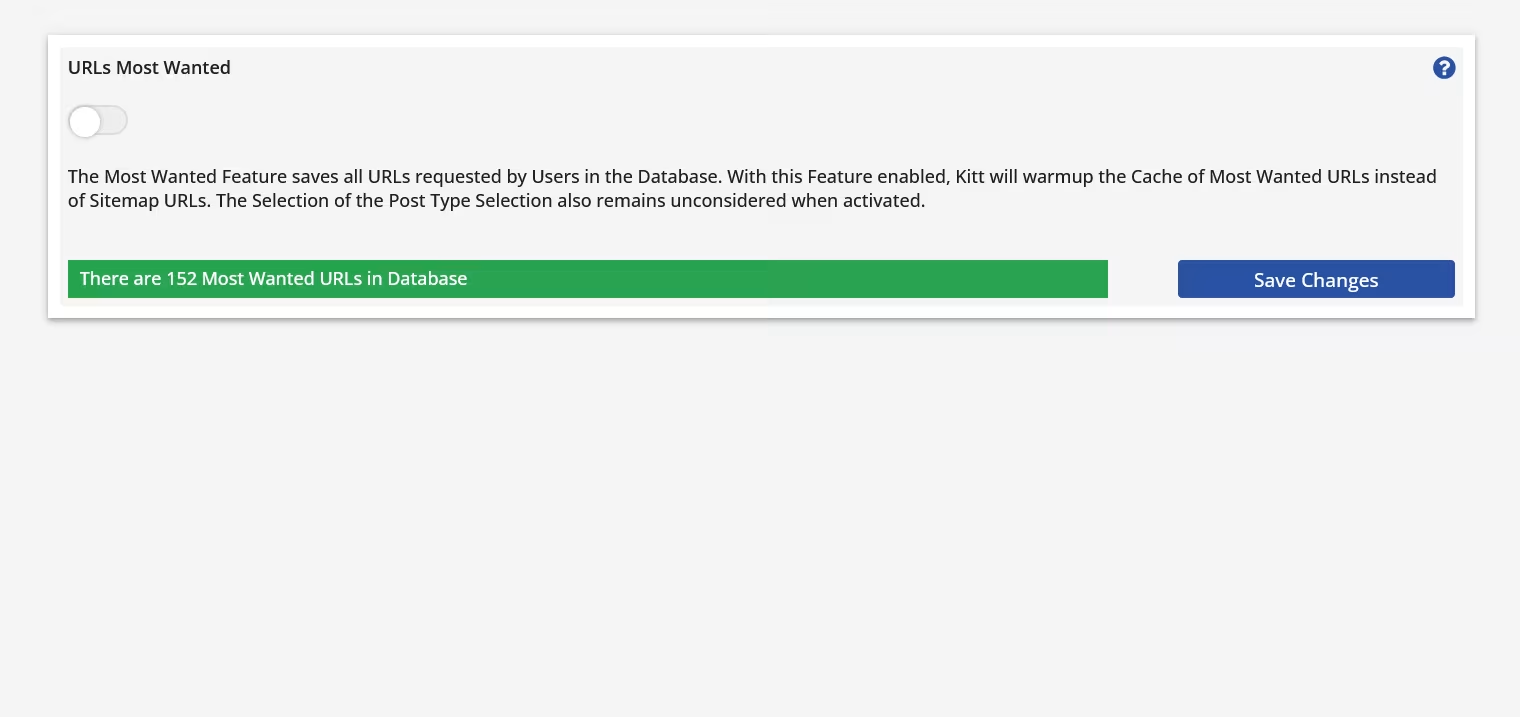
URLs Most Wanted
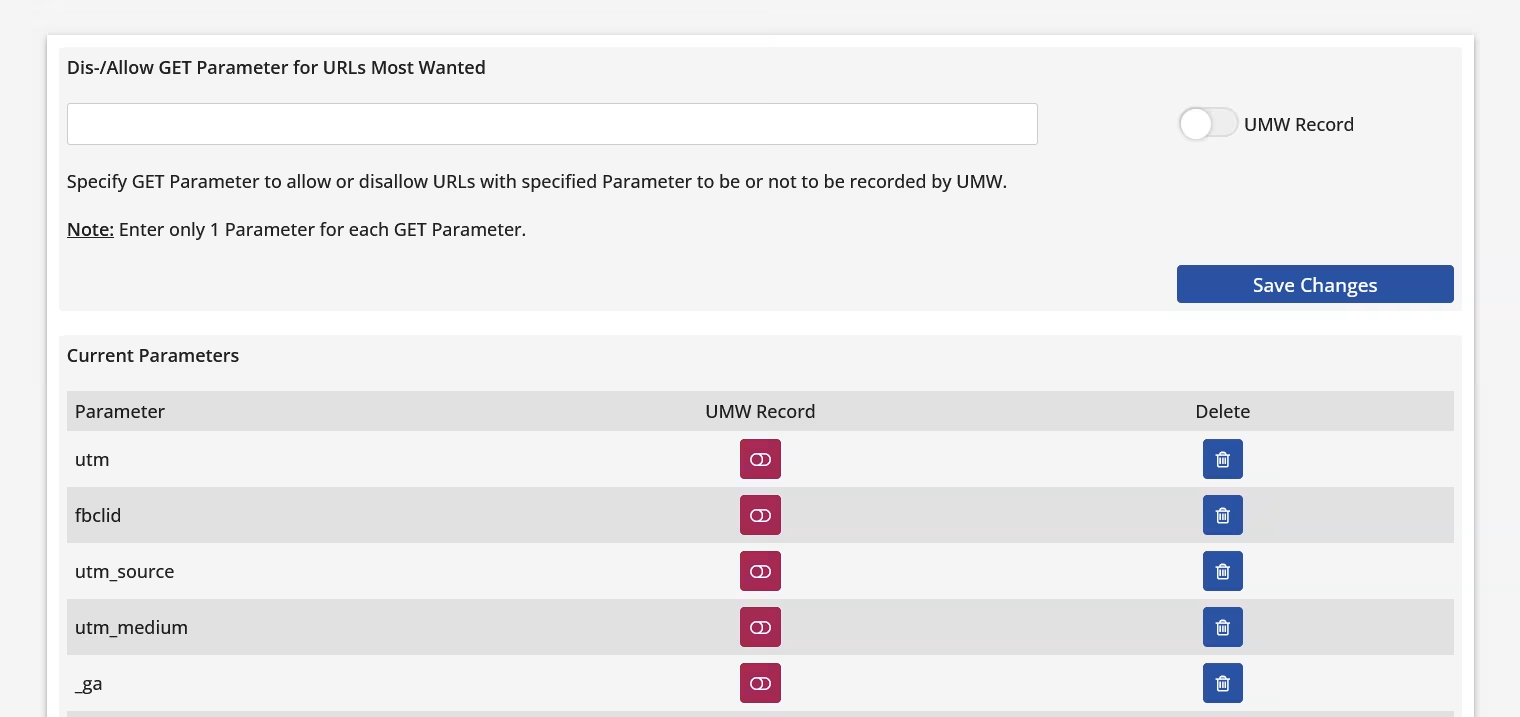
Dis-/Allow GET Parameter for UMW
Cache Vary Selection
Post Type Selection
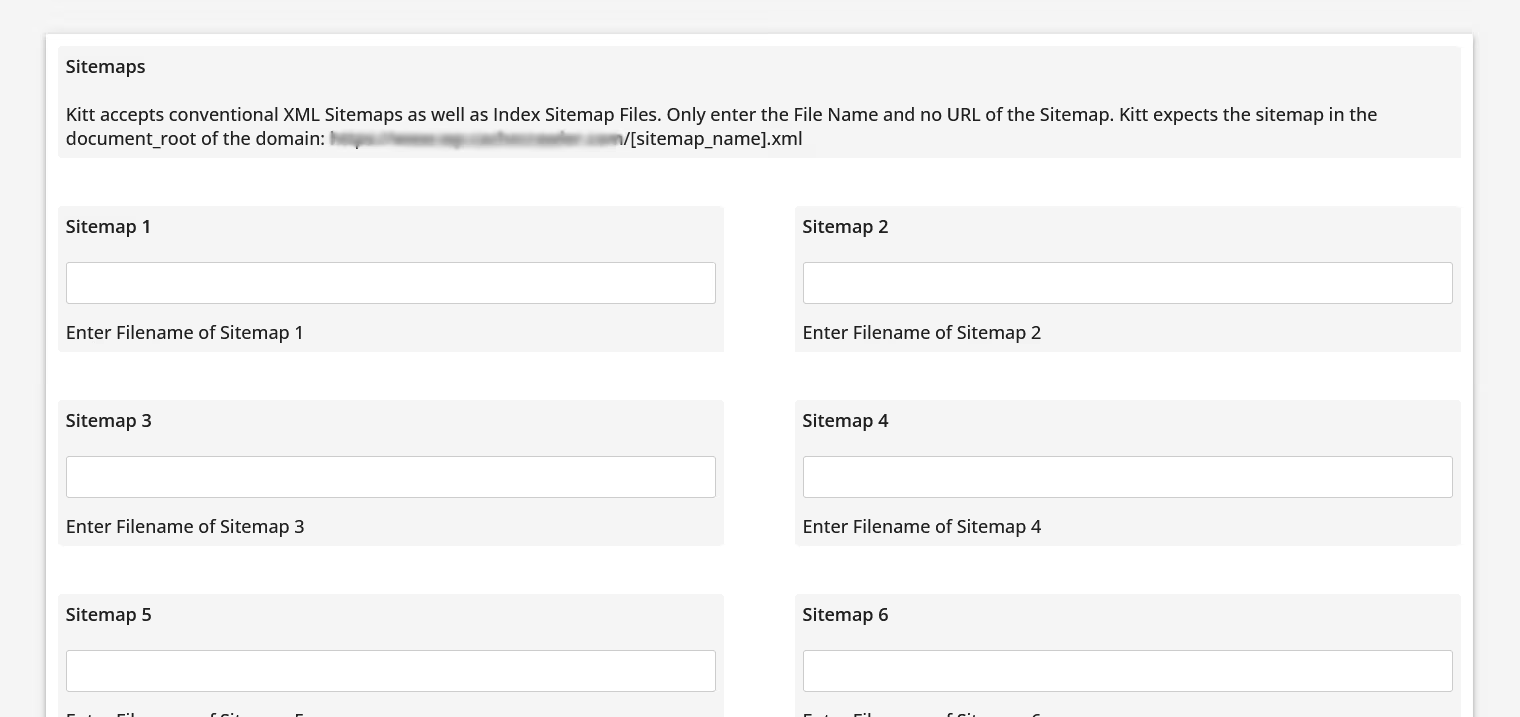
Multiple Sitemaps
Cache Inventory
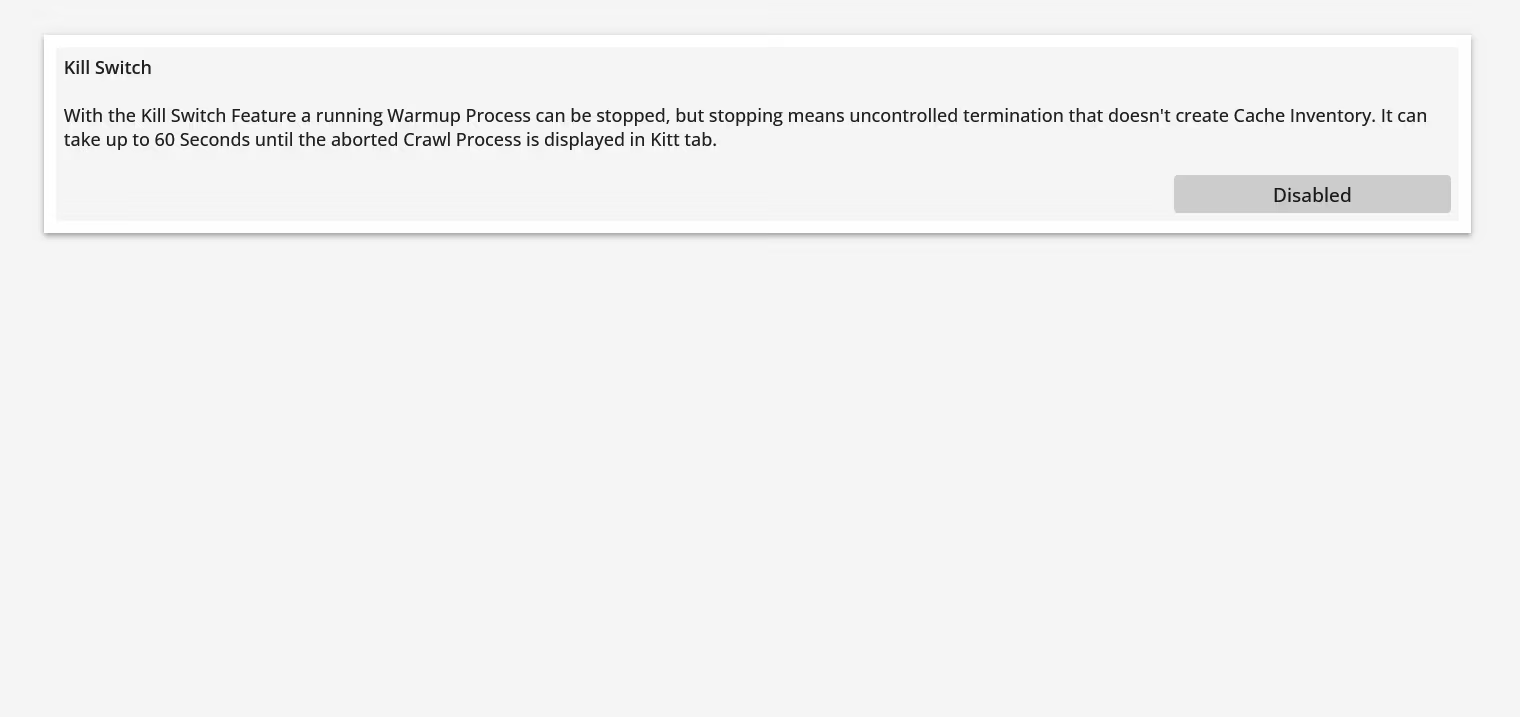
Kill Switch
Role Simulation
Blocklist
Requirements
Kitt requires a hosting environment that meets a few technical requirements. You don't need to check them manually. Simply install the Kitt Install Helper plugin and run the compatibility check from WordPress.
Download & Installation
Kitt is installed using the Kitt Install Helper plugin. Simply download the helper, install it in WordPress, and follow the guided setup.
That's it.
Download Kitt Install Helper Plugin for WordPress
Pricing
€79
One price - one payment - one domain - lifetime updates & support
Kitt uses a simple one-time licensing model. One license covers one domain and includes lifetime updates and support. No subscription, no recurring fees.
Priority support within 24 hours for the first 365 days
Lifetime updates and support included
One license covers one domain
14 days free trial Try Kitt free for 14 days with no feature restrictions. No subscription and no auto-renewal. If Kitt isn't for you, simply uninstall it.
FAQ
What is Kitt The Cache Crawler?
Kitt is a dedicated cache warmup crawler for LiteSpeed Cache for WordPress. It proactively creates the cache entries your visitors need, so more requests can be served directly from cache instead of requiring WordPress to generate the page first.
Kitt runs independently of WordPress and is specifically designed around the cache variants and requirements of LiteSpeed.
Is Kitt a WordPress plugin
No. Kitt is a standalone application that runs independently of WordPress.
The Kitt Install Helper is a WordPress plugin and is used to check the server requirements, install Kitt, and provide optional WordPress integration. The crawler itself does not run as a WordPress plugin
Why should I warmup the cache?
A page cache can only serve a cached page after the corresponding cache entry has been created. Without cache warming, the first request for an uncached page still requires WordPress to generate that page.
Kitt proactively creates the required cache entries so they are already available when visitors request them.
Can Kitt warm up ESI cache fragments?
No.
ESI fragments are commonly stored in private cache, which cannot be prewarmed because it is created for an individual visitor or session. In addition, LiteSpeed ESI fragments in WordPress can depend on numerous POST parameters, so their fragment URIs cannot simply be addressed and crawled like normal pages.
If an ESI fragment is configured as no-cache instead, there is no cache entry to warm up in the first place.
Can Kitt warm the private cache?
No. Private cache is created for individual visitors or sessions and therefore cannot be meaningfully prewarmed for future visitors.
Kitt is installed using the Kitt Install Helper plugin.
Install the helper in WordPress and run the compatibility check. If the server meets the requirements, the same plugin guides you through the Kitt installation process.
How do I uninstall Kitt?
Kitt is uninstalled using the same Kitt Install Helper plugin that was used for installation.
The helper performs the uninstall process and removes Kitt cleanly without leaving application files behind.
Does Kitt replace LiteSpeed Cache?
No. Kitt and LiteSpeed Cache have different jobs.
LiteSpeed Cache controls the caching configuration and works with the LiteSpeed web server to provide the actual page cache. Kitt warms that cache and helps keep the required cache entries available.
What is the difference between Kitt and LiteSpeed's built-in crawler?
LiteSpeed Cache for WordPress includes its own cache crawler. Kitt is a dedicated standalone cache warmup application with substantially more control over the crawl process.
Among other things, Kitt provides dynamic server-load control, multithreaded crawling, extensive cache-variant handling, selective re-caching, detailed crawl configuration, and operation independent of the WordPress scheduler.
Kitt was specifically designed for reliable, controllable, and efficient LiteSpeed cache warming.
Which Kitt version do I need: WordPress or WooCommerce?
Use Kitt for WordPress for a regular WordPress website and Kitt for WooCommerce for a WooCommerce store.
The versions are environment-specific. The WordPress version cannot be installed on a WooCommerce installation, and the WooCommerce version cannot be installed on a regular WordPress installation.
Can I use the WordPress version with WooCommerce?
No.
Kitt detects the environment during installation. If WooCommerce is installed, the WordPress version cannot be installed. Use Kitt for WooCommerce instead.
Does Kitt work with Guest Mode and mobile cache variants?
Yes.
Kitt is designed around LiteSpeed's cache-variation system and can warm separate cache entries required by configurations such as Guest Mode, mobile caching, different image formats, languages, cookies, and other LiteSpeed cache variants.
Does Kitt work with Cloudflare or other CDNs?
Yes, but the CDN must not cache the main document.
Kitt warms the LiteSpeed page cache on the origin server and bypasses the CDN during the warmup process. It does not warm the CDN cache itself.
When using a CDN together with Kitt, the recommended setup is to use the CDN for Anycast delivery of the main document and edge caching of static assets such as images, CSS, and JavaScript, while leaving HTML page caching to LiteSpeed.
Kitt does not warm CDN-cached static assets.
Does cache warming increase server load?
Yes. Cache warming requires the server to generate pages that are not already cached, so some additional server load is unavoidable.
Kitt is designed to control that load rather than simply crawling as fast as possible. It monitors the current server load and dynamically adjusts its crawl speed according to the configured limits.
What happens when the cache is purged?
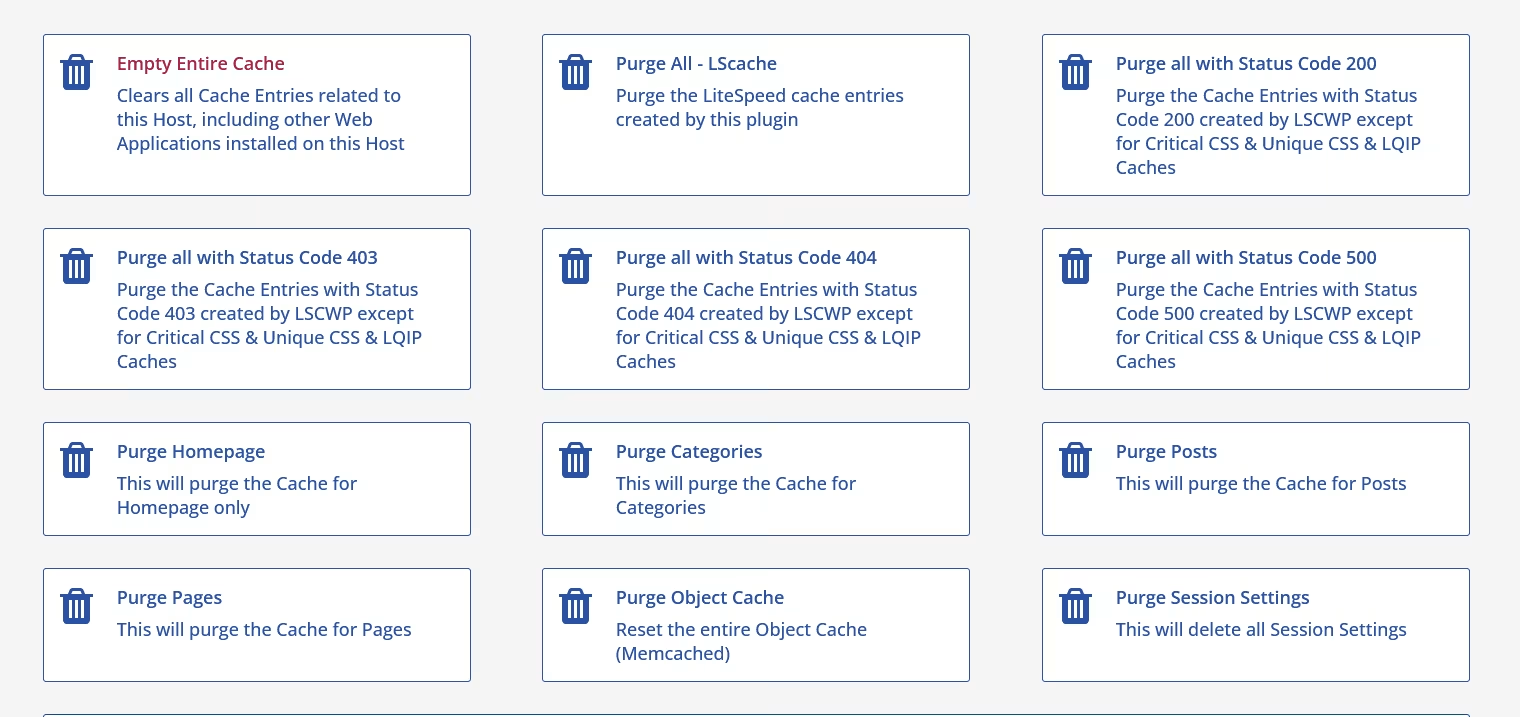
Kitt can monitor the cache status and selectively warm only URLs whose cache entries have been purged.
With its Auto and Smart Re-cache functions enabled, Kitt does not have to perform a complete warmup at fixed intervals simply because individual cache entries disappeared. This keeps recurring crawl work to a minimum while restoring missing cache entries as needed.
Normal cache expiration through TTL is handled separately.
Can Kitt warm multilingual or cookie-based cache variants?
Yes.
LiteSpeed can maintain different cache entries depending on conditions such as language, cookies, device type, or other vary settings. Kitt recognizes the relevant LiteSpeed Cache configuration and can warm the corresponding variants instead of assuming that every URL has only one cache entry.
Do I need a cron job to run Kitt?
No.
Kitt can be started manually from its graphical interface or from the command line. A cron job is optional and can be used when you want cache warmups to run automatically on a schedule.
Can I try Kitt before purchasing a license?
Yes. Kitt can be tested free for 14 days without feature restrictions.
There is no subscription and no automatic renewal. If Kitt is not right for your website, simply uninstall it.
Does Kitt need WordPress to run?
Kitt does not run inside WordPress. The crawler itself operates independently of WordPress and communicates directly with the web server during the warmup process.
However, the currently available Kitt products are specifically designed for WordPress and WooCommerce websites using LiteSpeed Cache for WordPress.
Will Kitt slow down my website while crawling?
Cache warming uses server resources because uncached pages have to be generated. Kitt is designed to prevent the crawler from consuming uncontrolled amounts of those resources.
It monitors the current server load and dynamically adjusts its crawl speed, allowing cache warming to take place without unnecessarily competing with real visitors.
Does Kitt work with other CMSs or cache plugins?
No.
The current Kitt versions are specifically designed for WordPress and WooCommerce using LiteSpeed Cache for WordPress. Other CMSs, other web server caching systems, and other cache plugins are not supported.
Why is Kitt a standalone application?
Kitt is a standalone application by design. The LiteSpeed page cache is provided by the LiteSpeed web server itself, not by WordPress or PHP. Warming that cache therefore does not require WordPress to run.
Running the crawler as a WordPress plugin would introduce unnecessary overhead, because WordPress Core, plugins, and additional PHP logic would have to be loaded during the crawl even though they are not required for the cache warmup itself.
By operating independently of WordPress, Kitt can communicate directly with the web server. This makes the warmup process faster while reducing CPU, memory, and overall server resource usage during crawling.
Still Have Questions?
We try to provide all the information you need. If anything is unclear or your question isn't answered here, just ask us.